
Image to Image AI Generator
Style Transfer, Enhancement, Guided Editing
Upload a photo and let image to image AI restyle it into art, enhance resolution, or refine details. Choose from 2000+ looks, control strength, and export clean results with commercial-ready quality.
Examples
Gallery
Creative control with pro-grade quality, powered by image to image AI.
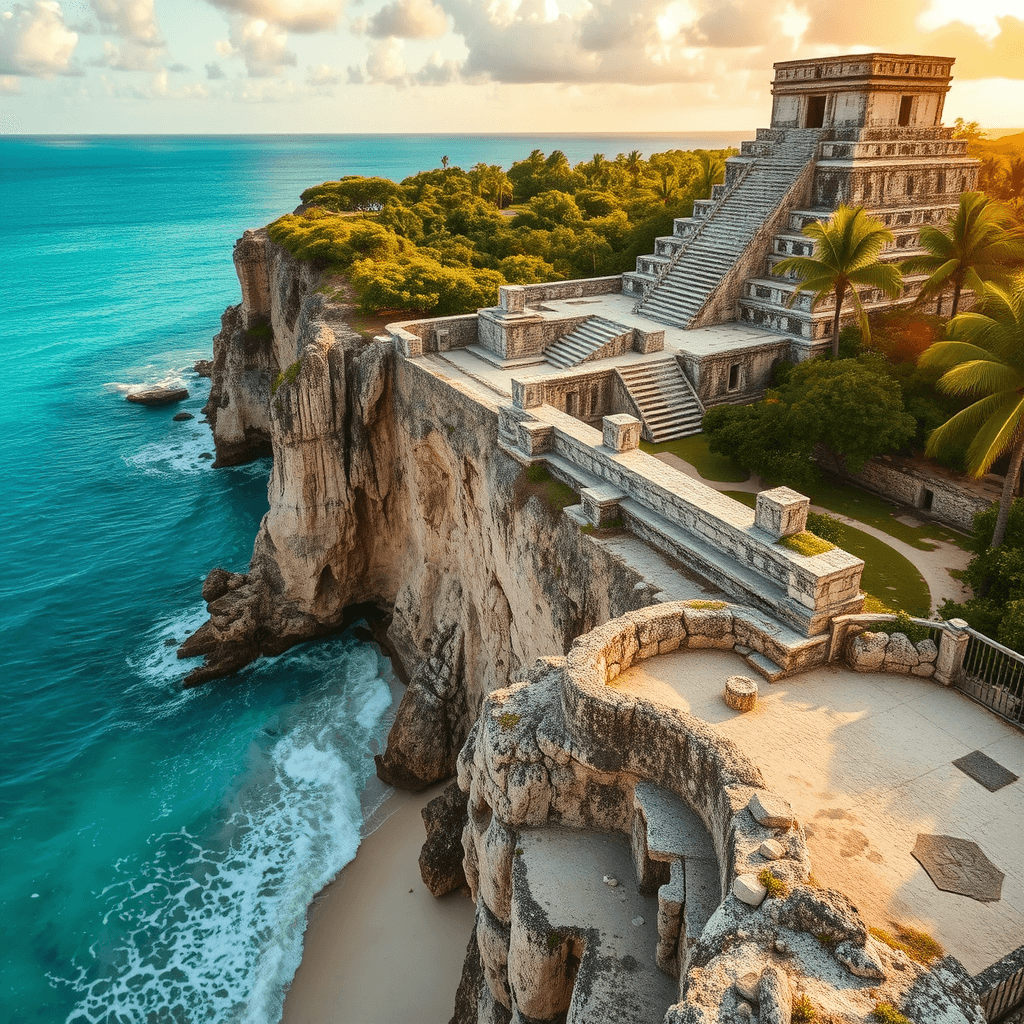
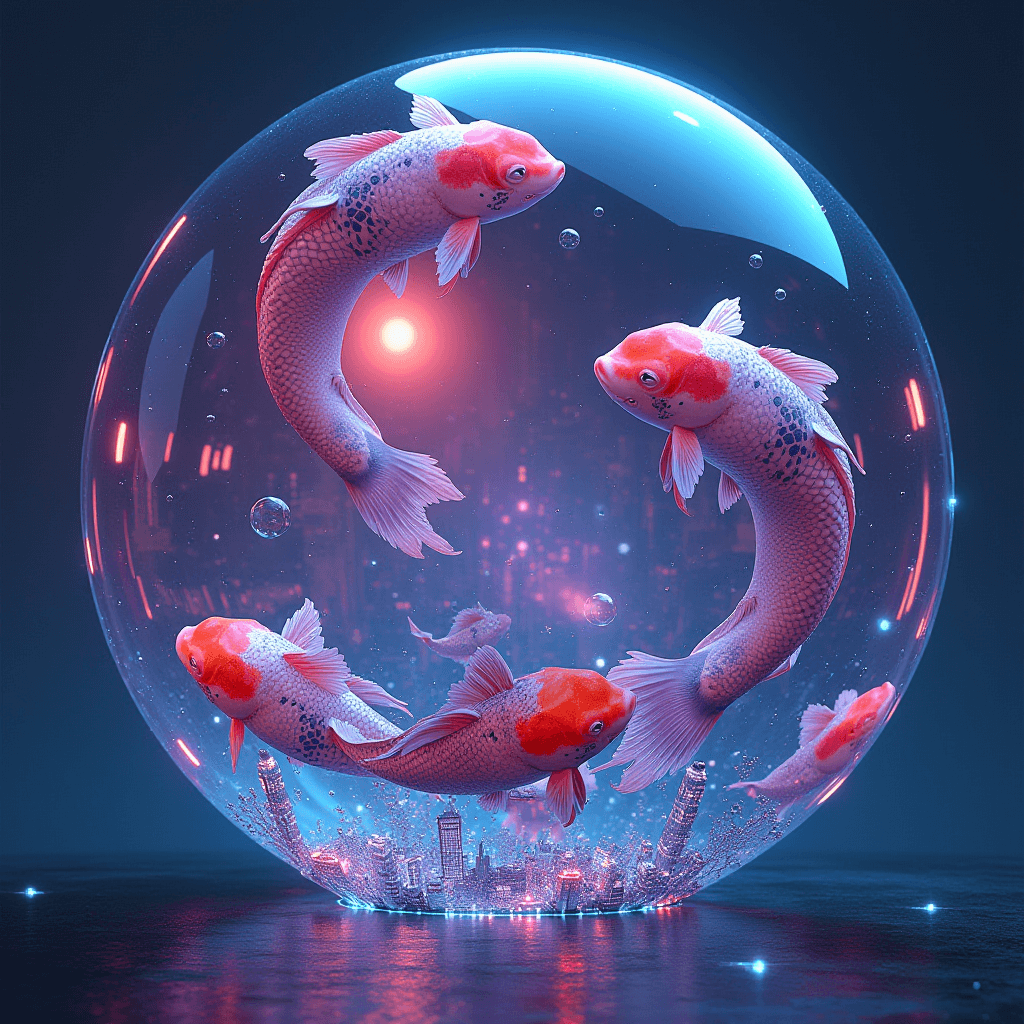
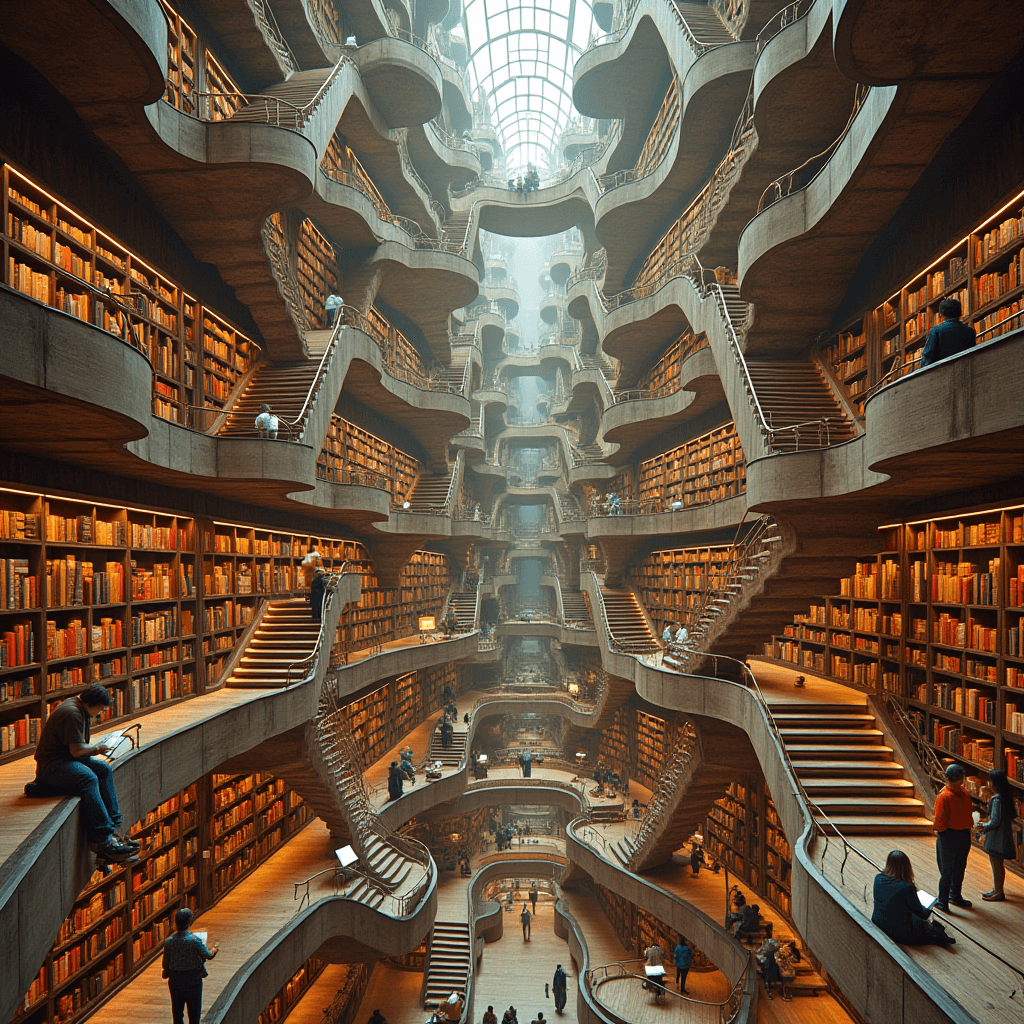
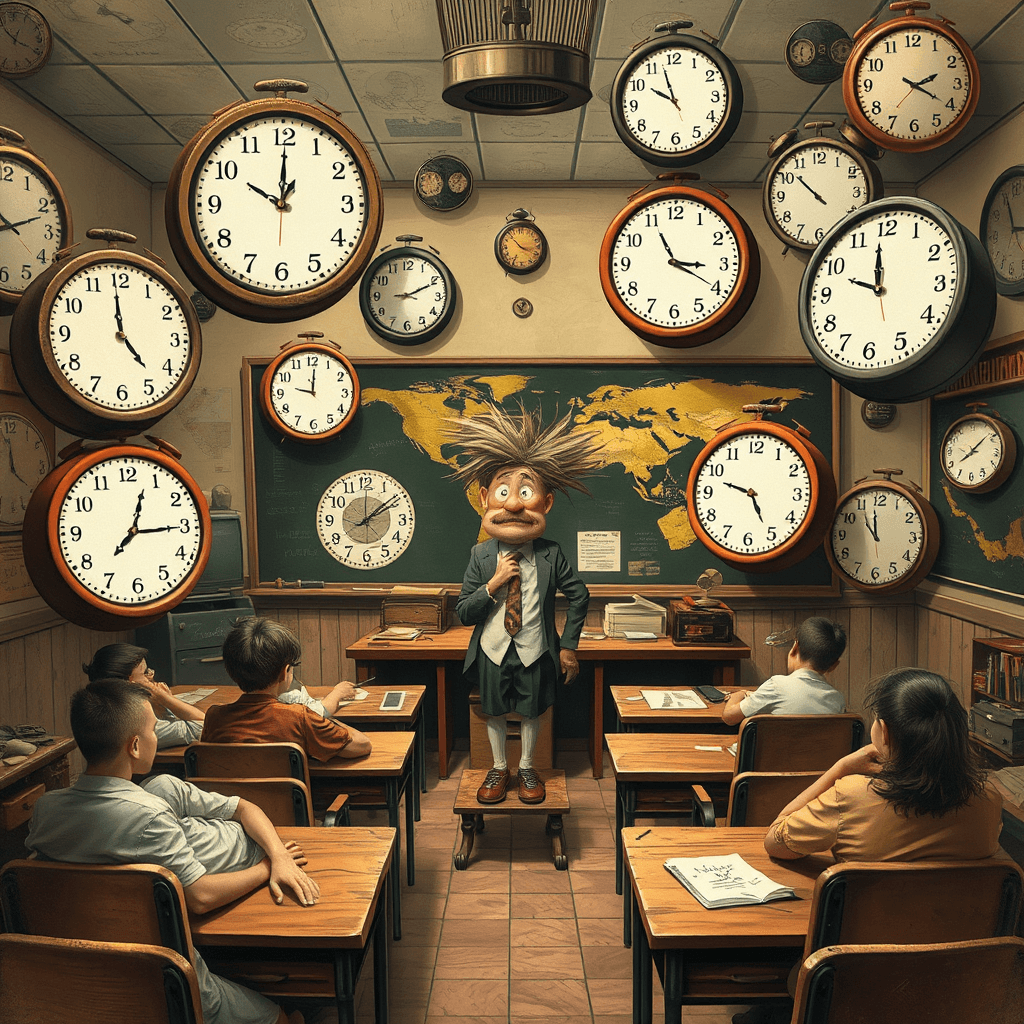
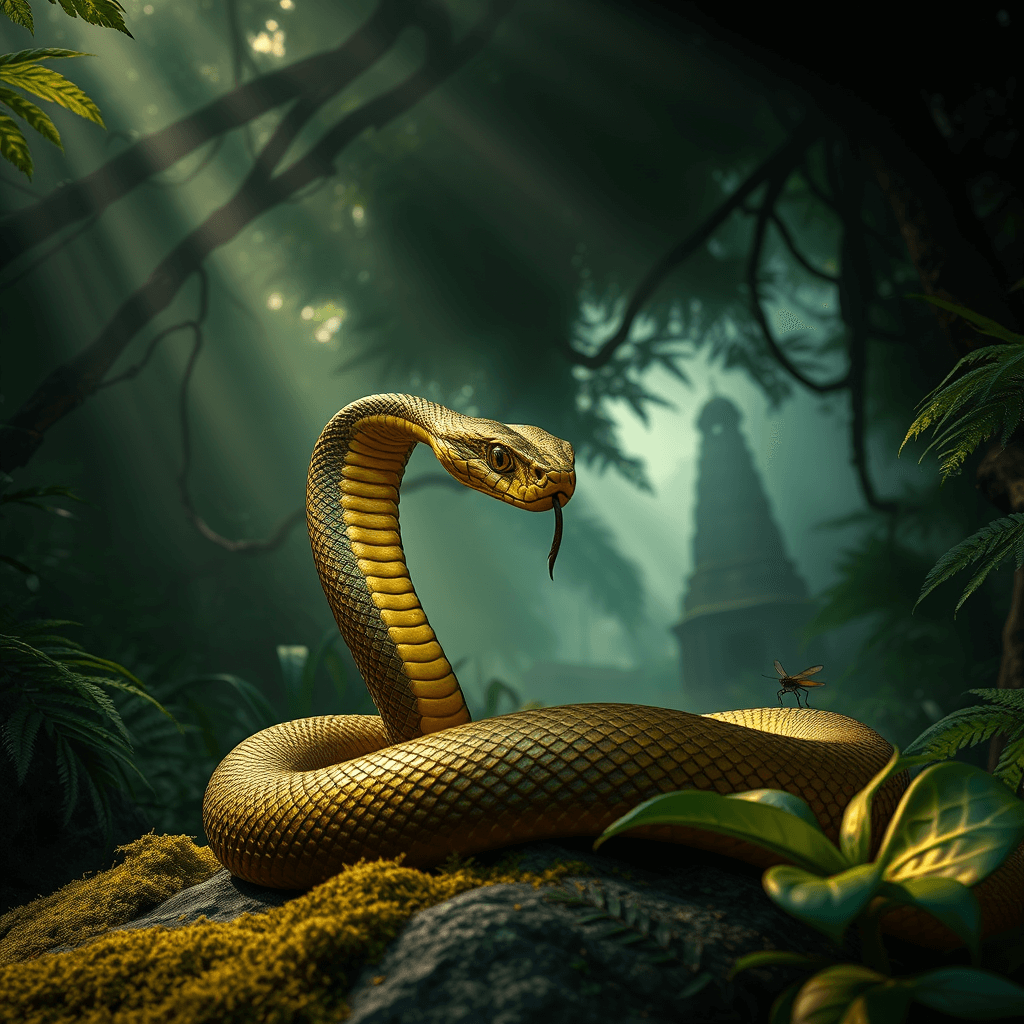
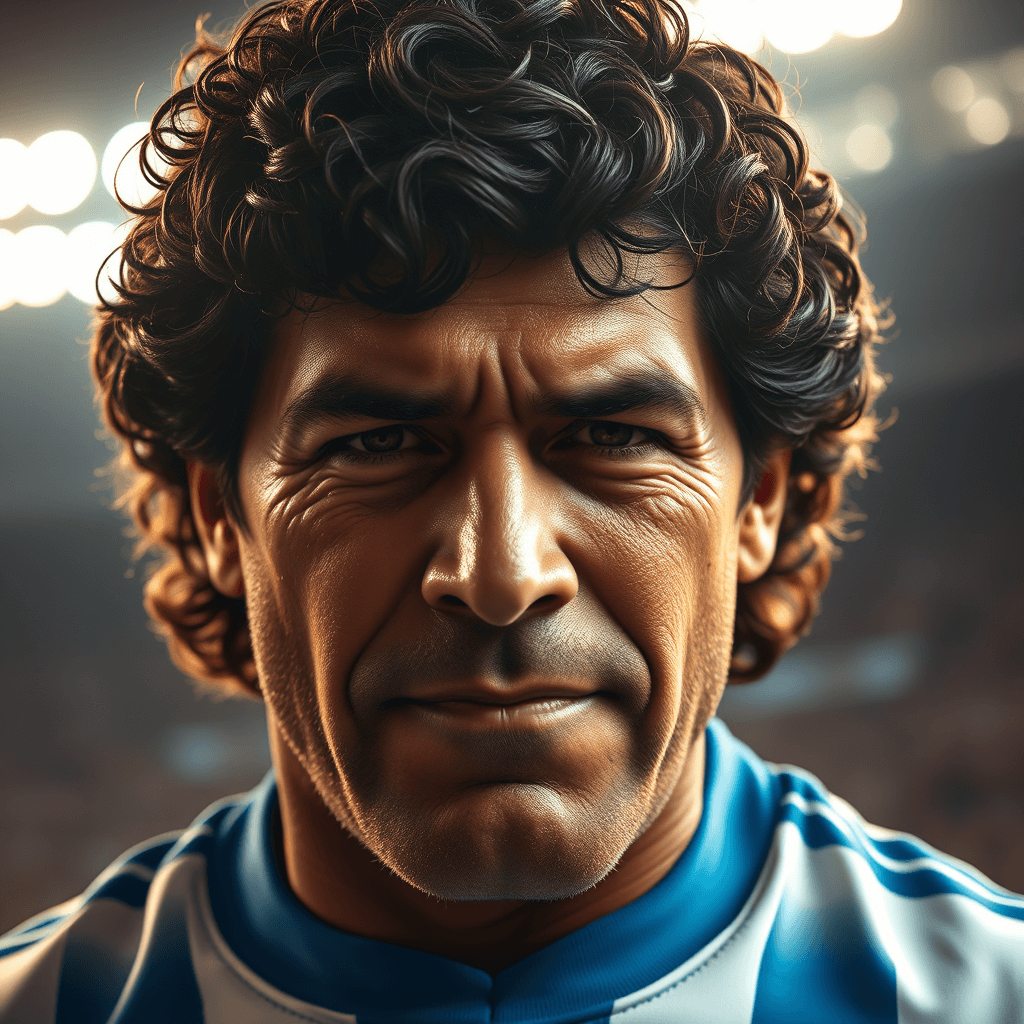
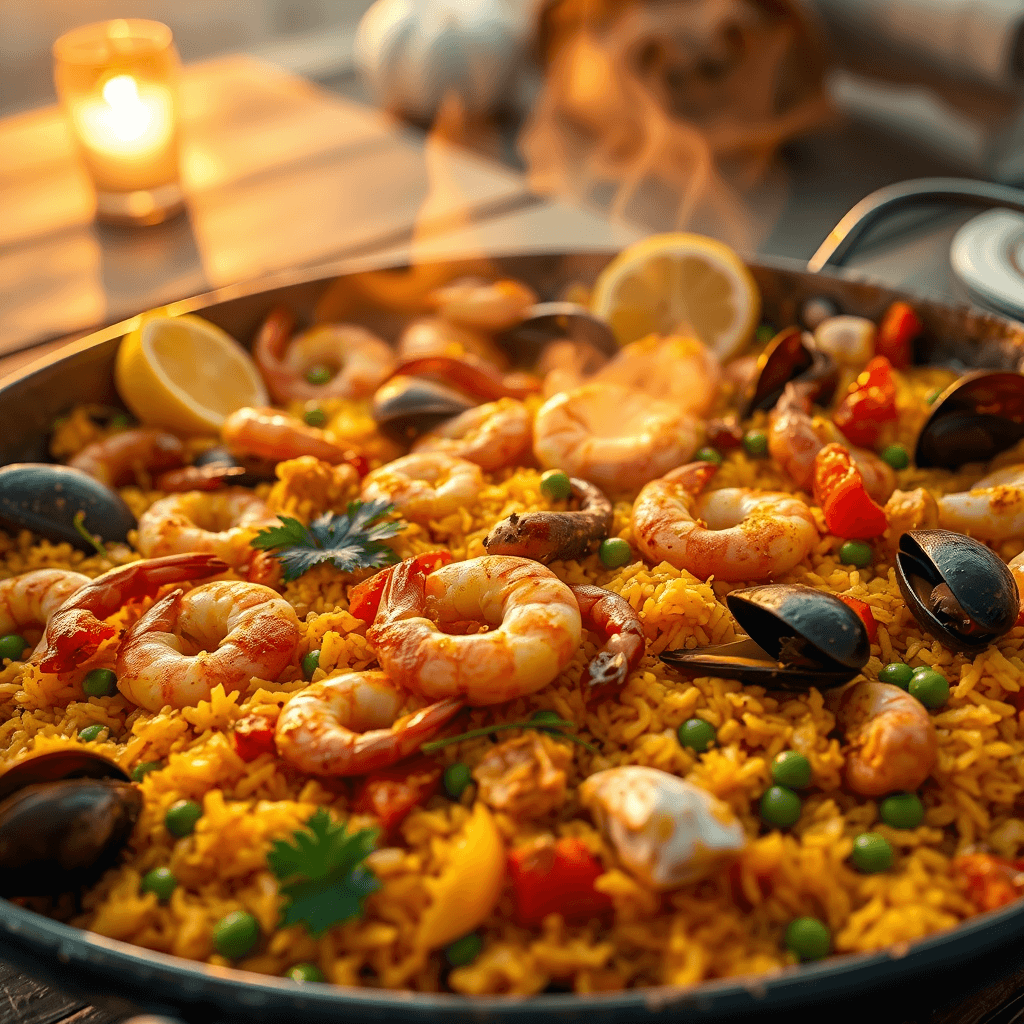
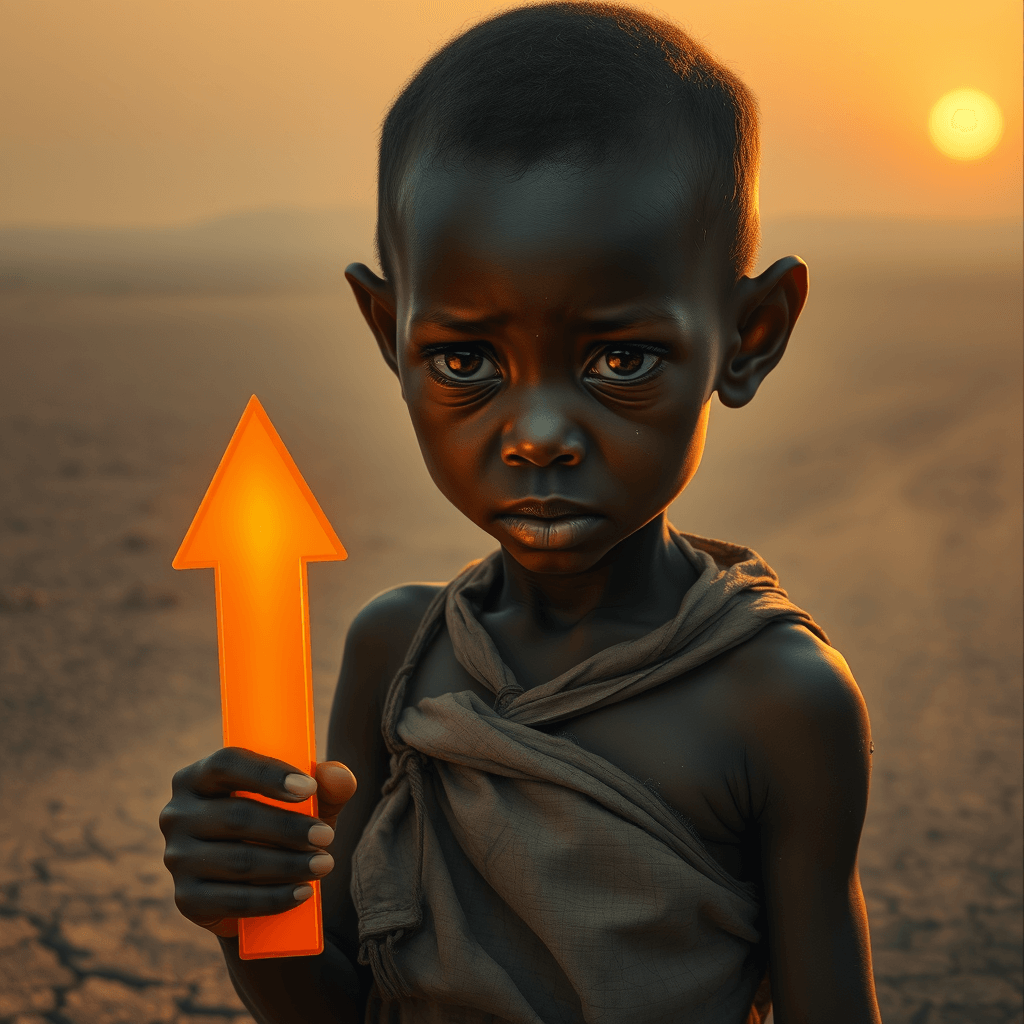
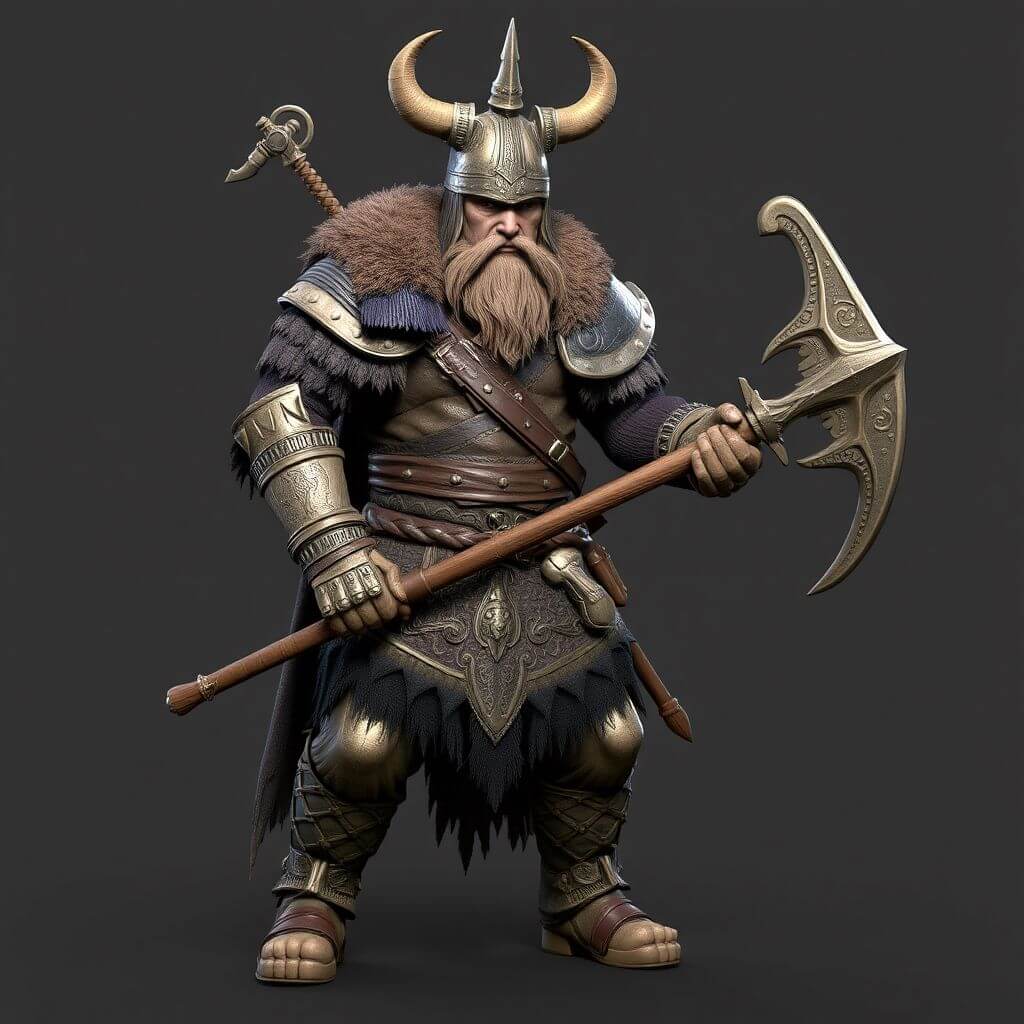
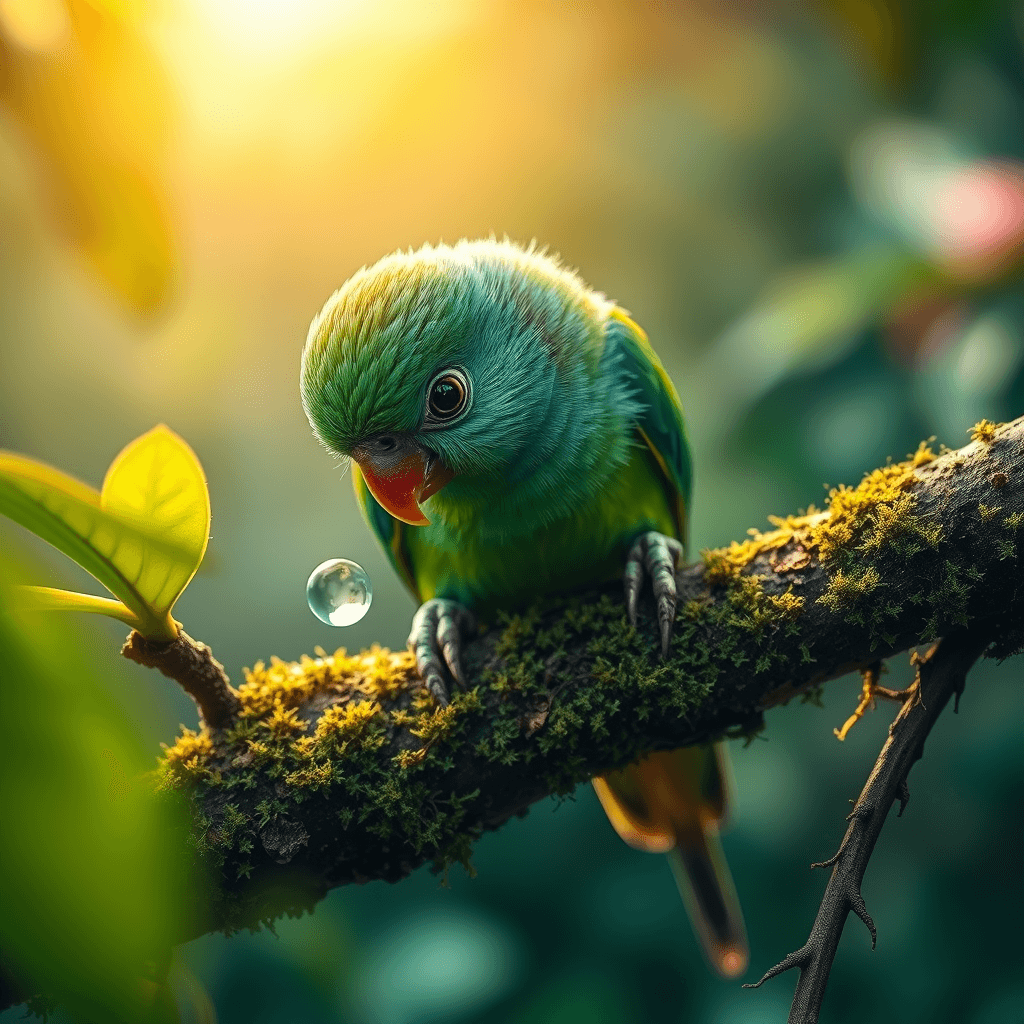
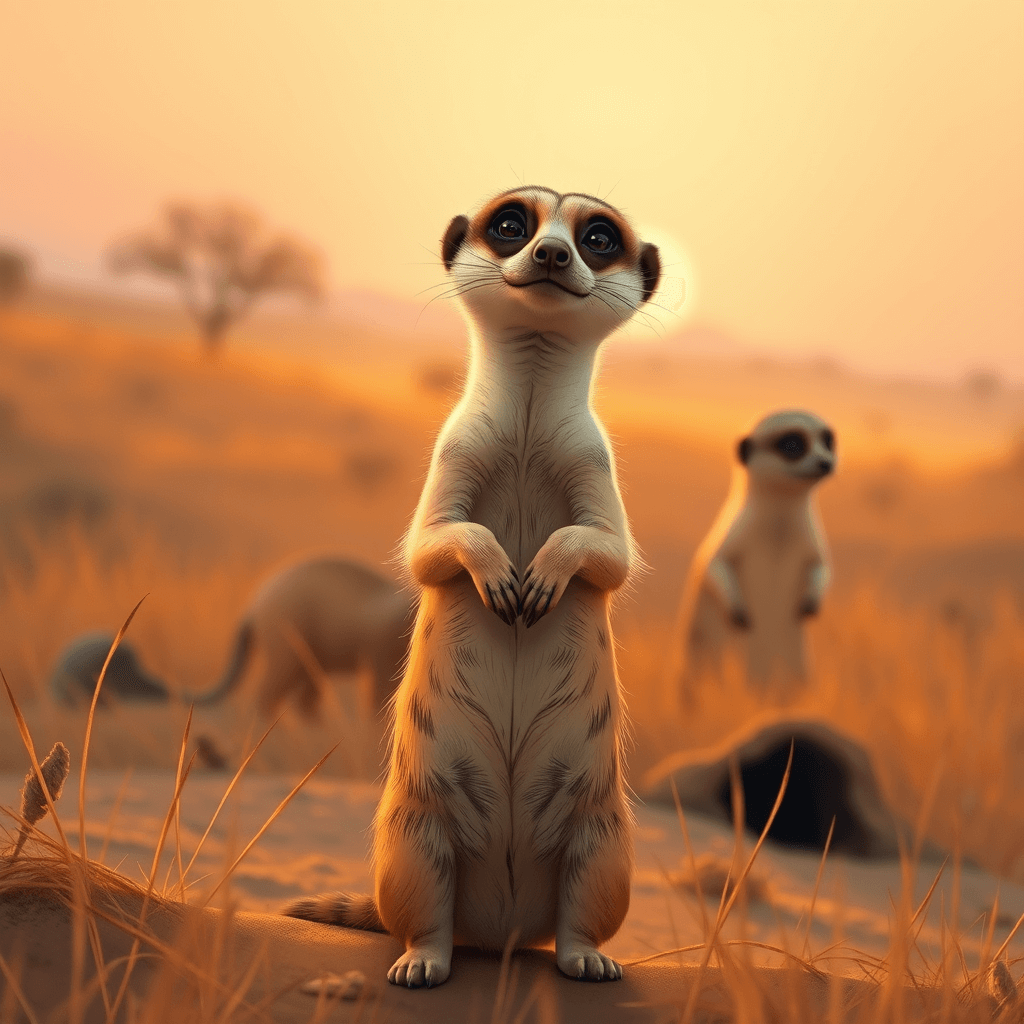
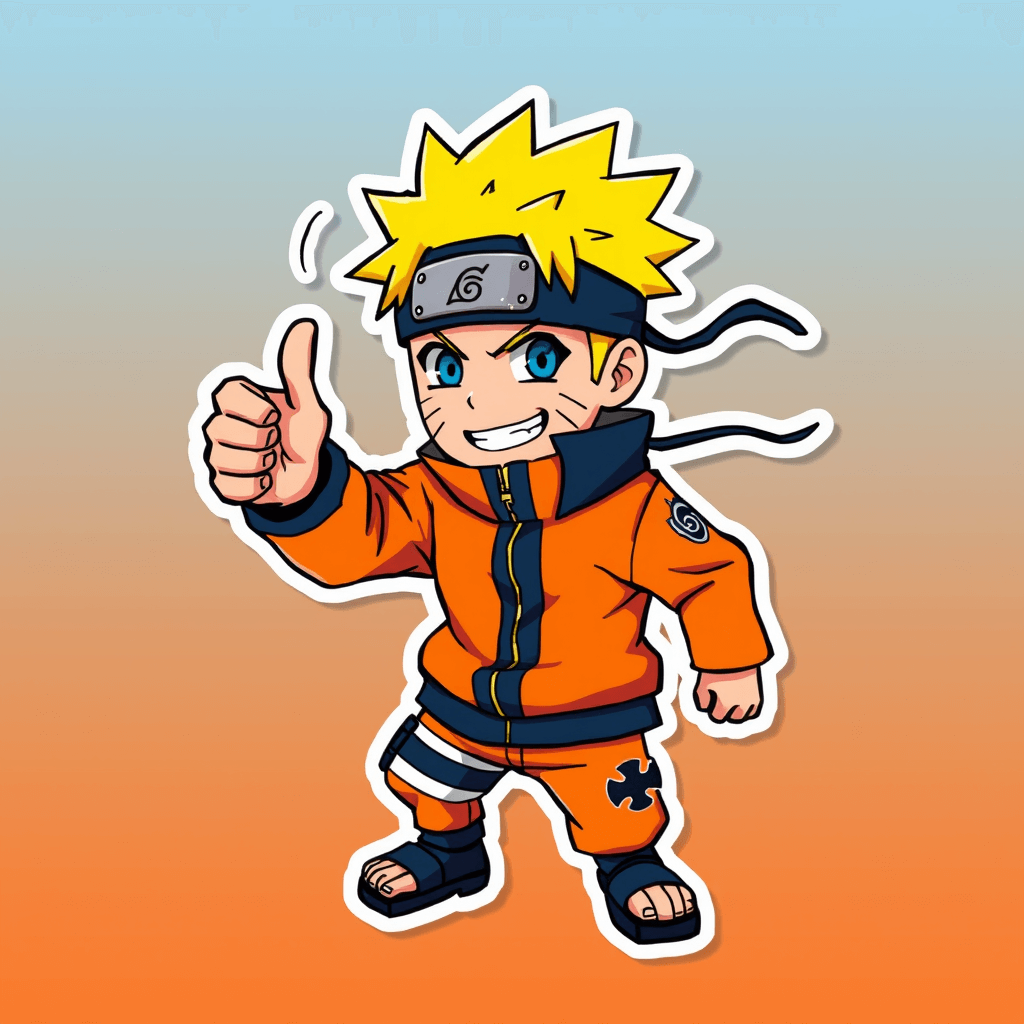
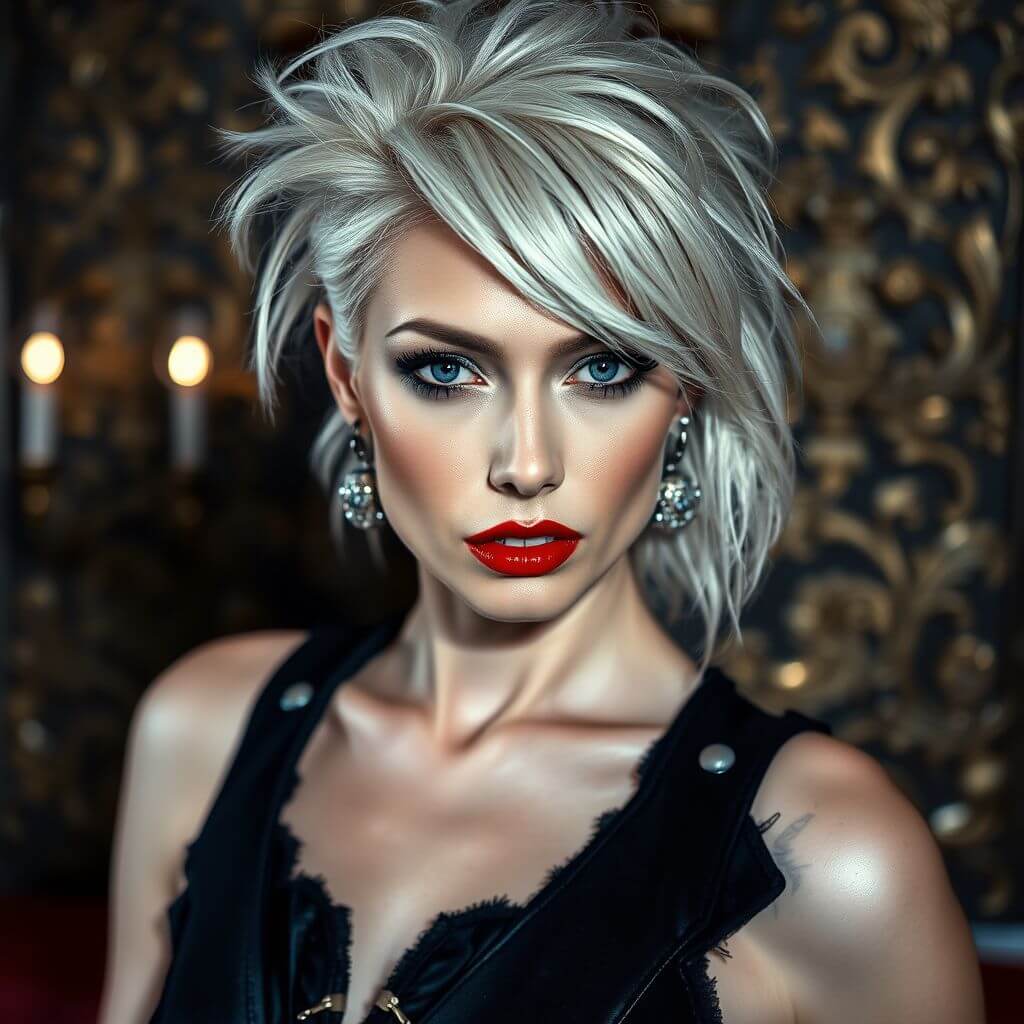
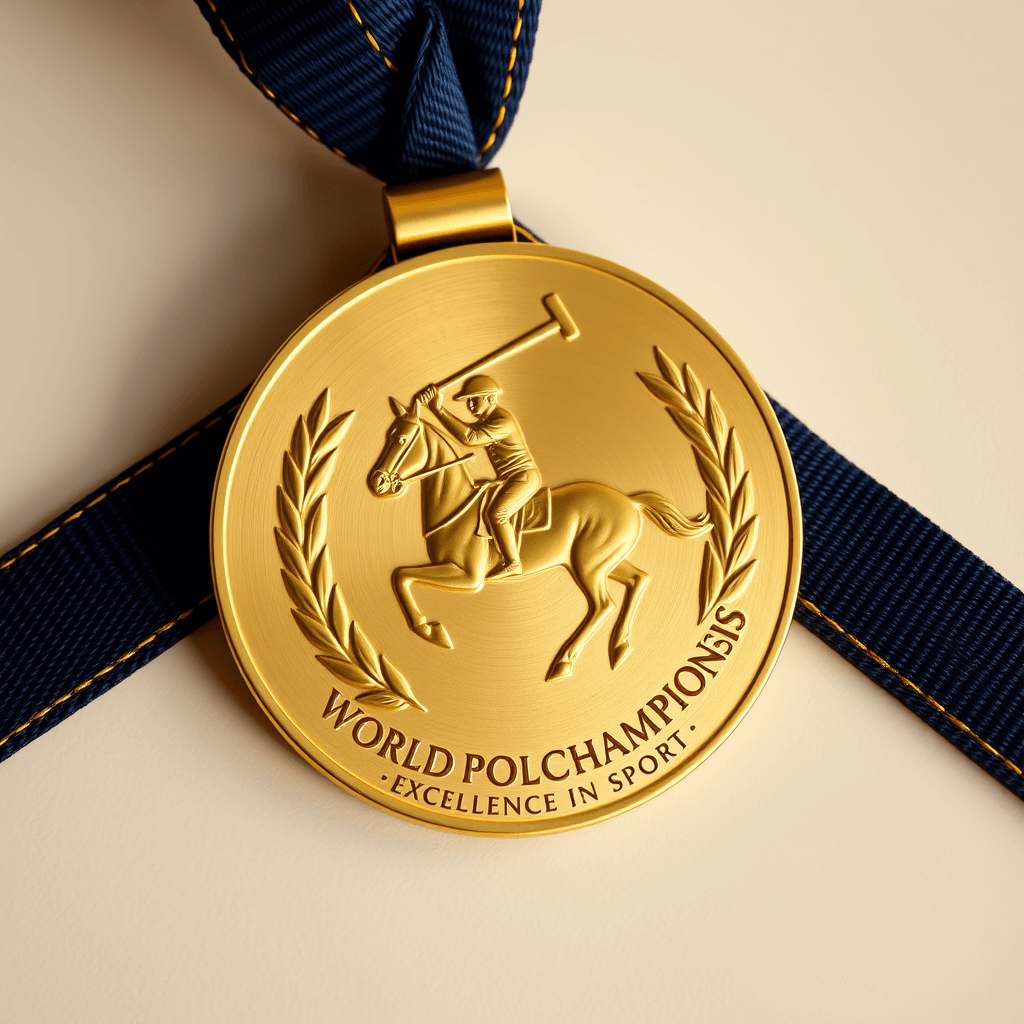
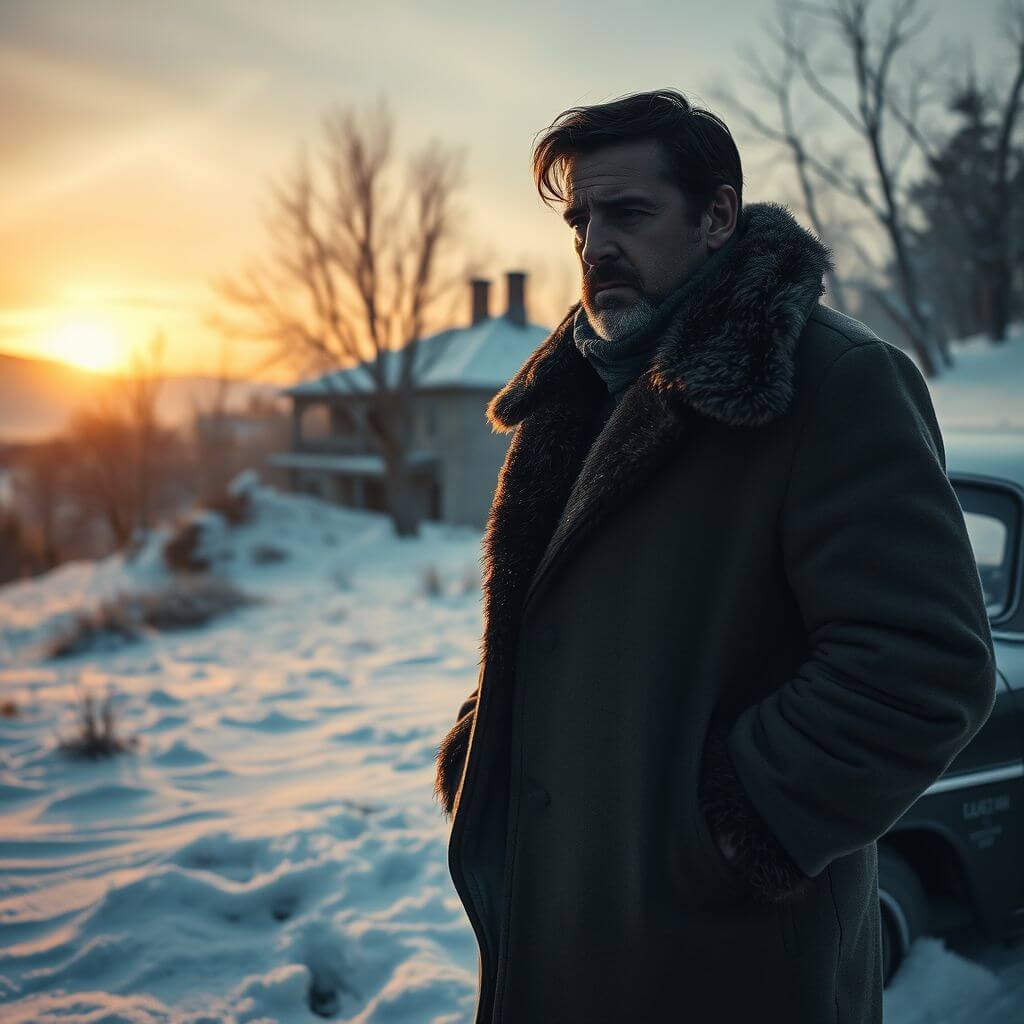
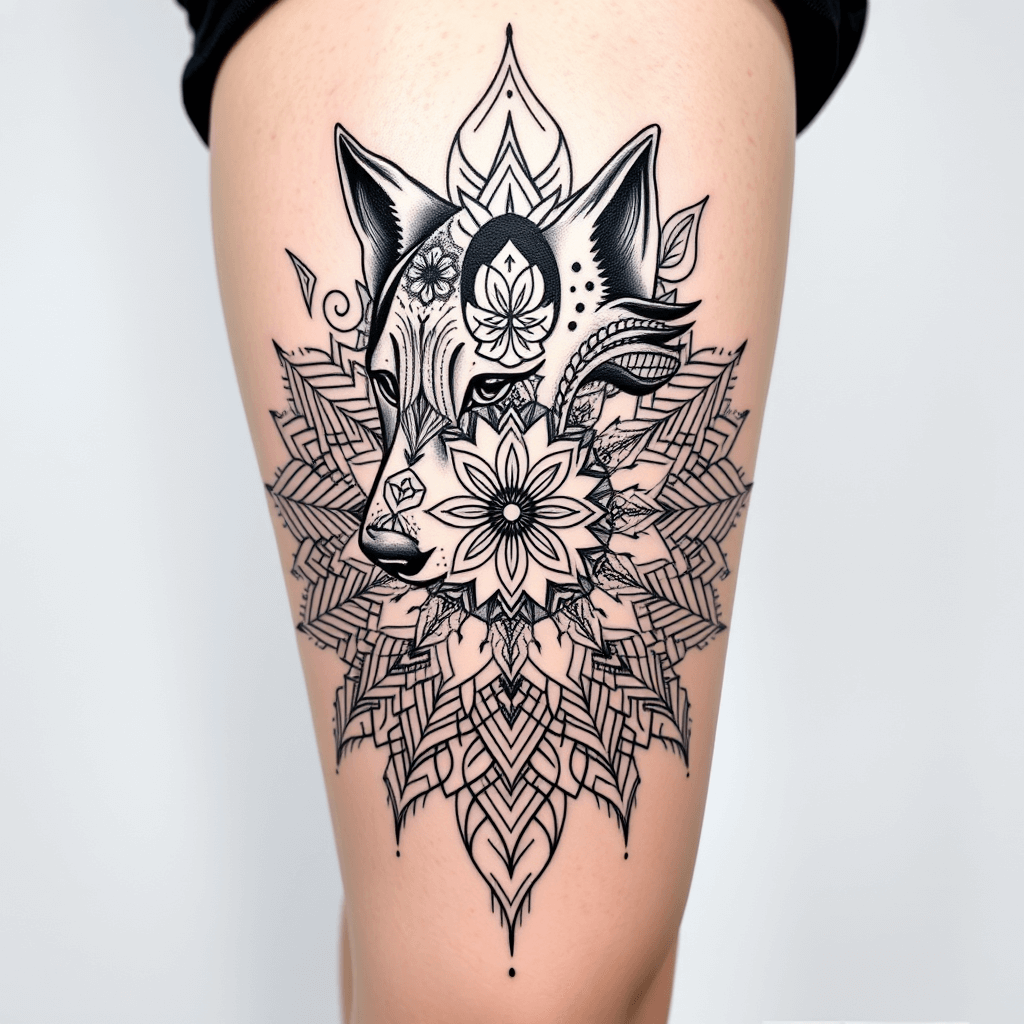
What You Can Do
Creative control with pro-grade quality, powered by image to image AI.
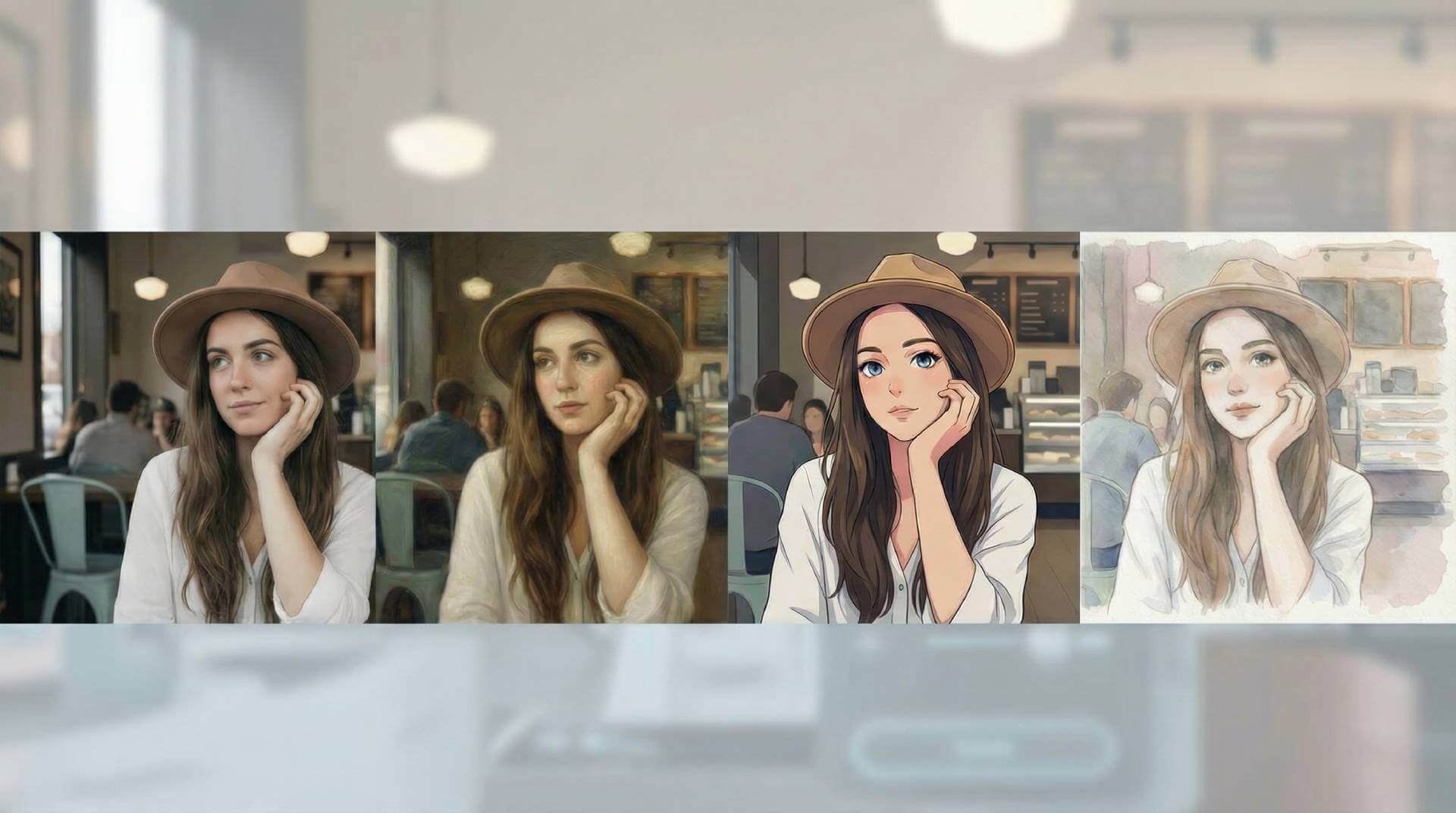
From Photo to Art
Turn photos into paintings, anime, watercolor, or clean brand looks while keeping composition stable.
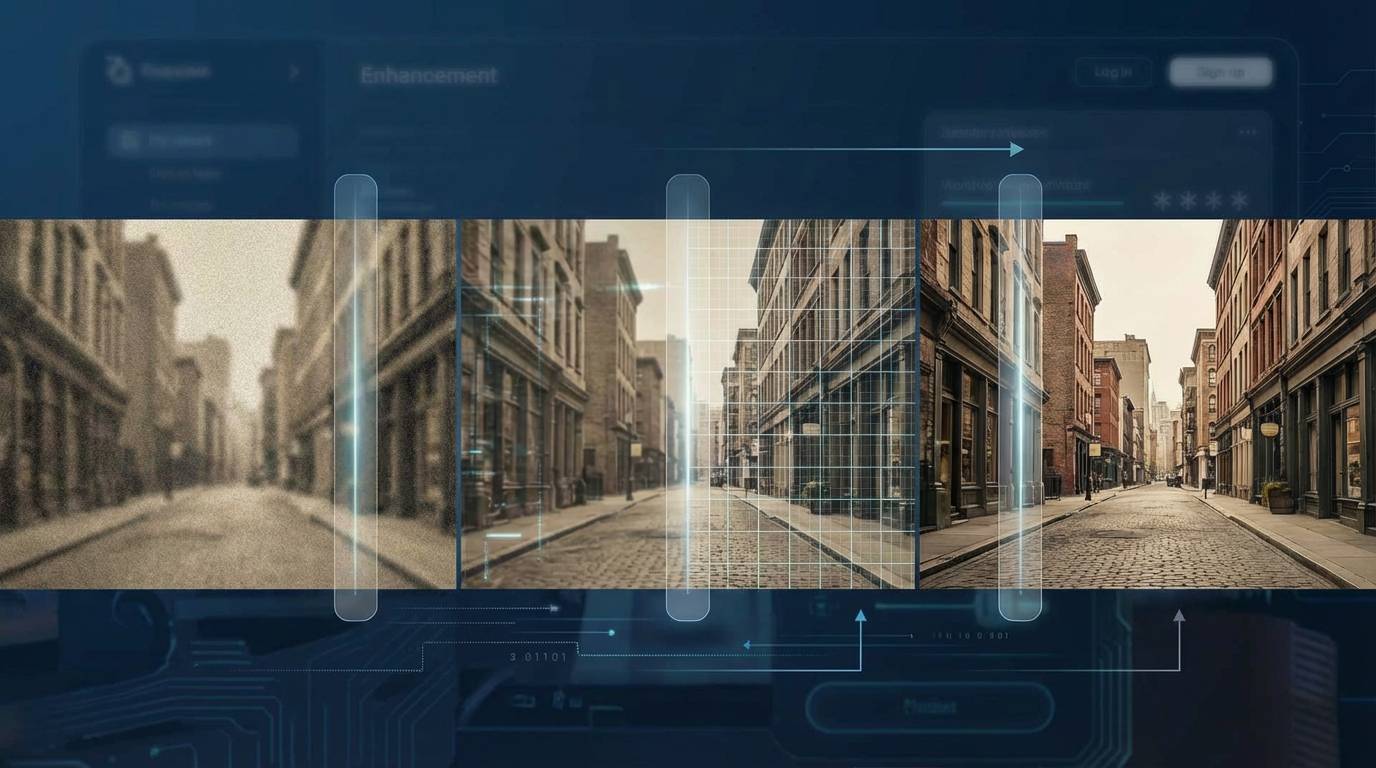
Sharper, Cleaner, Print-Ready
Upscale 2–4x, restore vintage shots, reduce noise, and lift texture for web or large-format print.
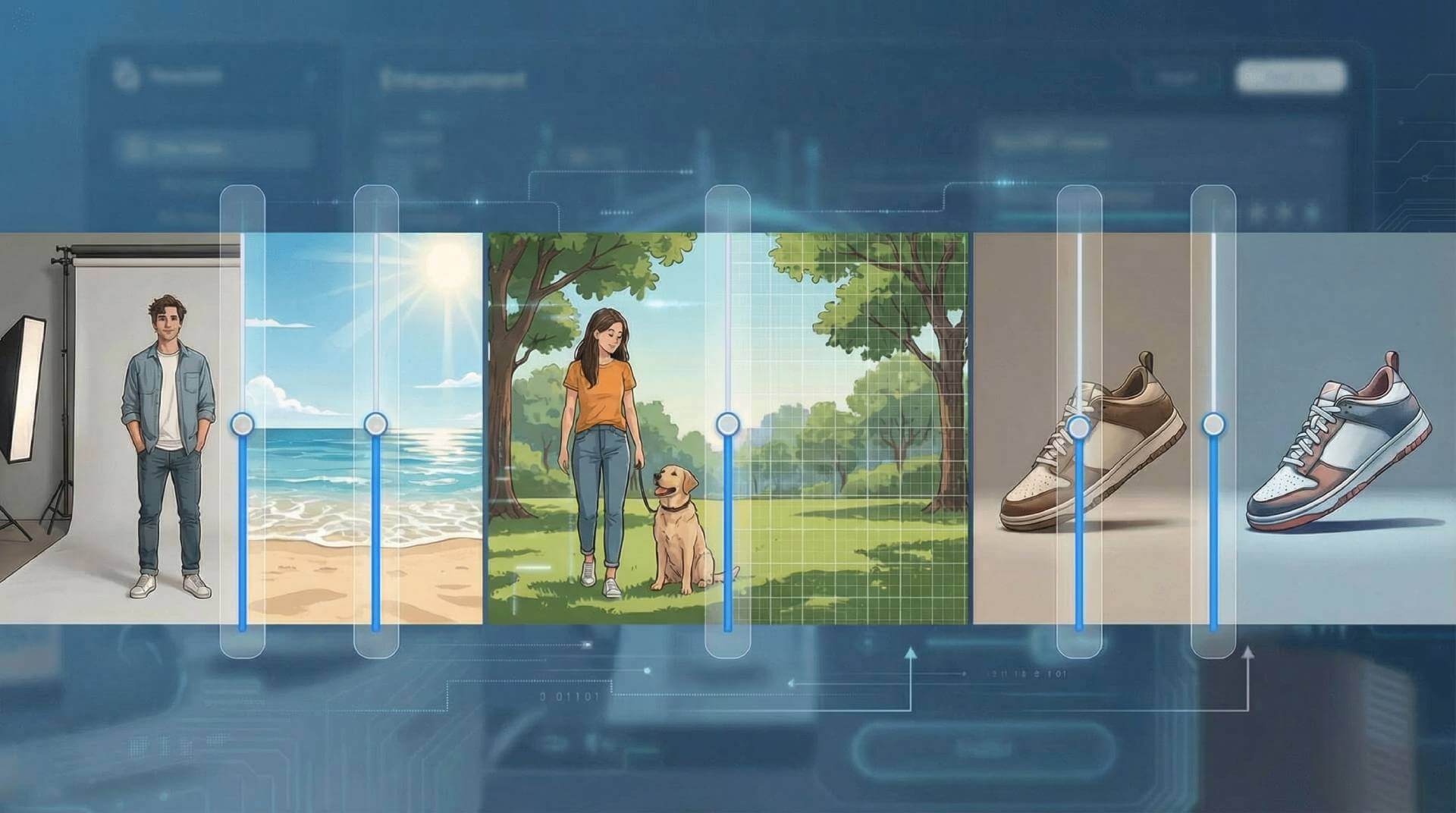
Guided Edits with Precision
Swap backgrounds, remove objects, balance light, and apply consistent characters or product styles with 2000+ presets.
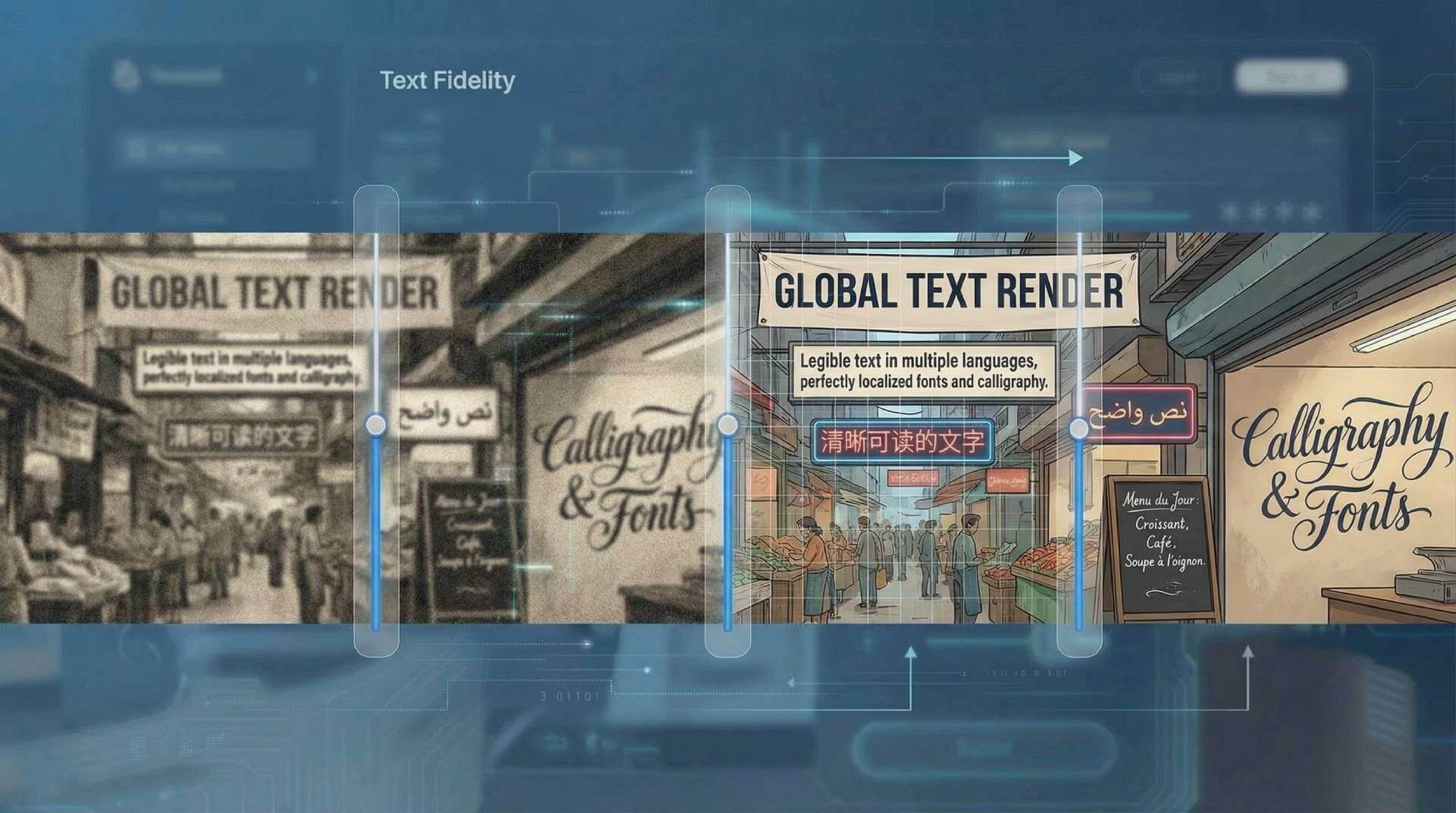
Legible Text in Multiple Languages
Render crisp taglines or full paragraphs directly in the image. Localize fonts and calligraphy while keeping layouts intact.
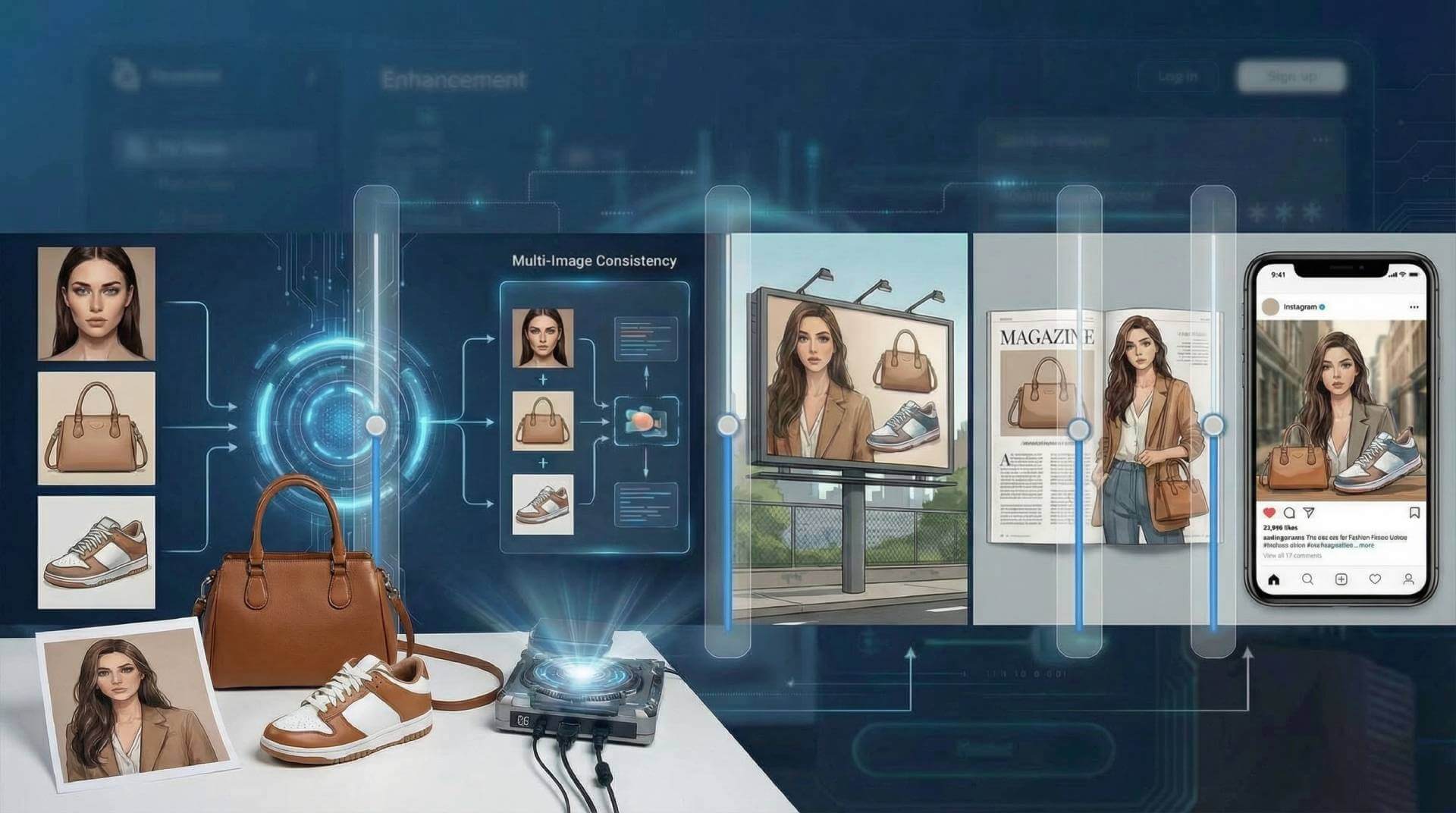
Blend & Match Across Shots
Fuse multiple references and keep up to five faces or products consistent across variations for campaigns and mockups.
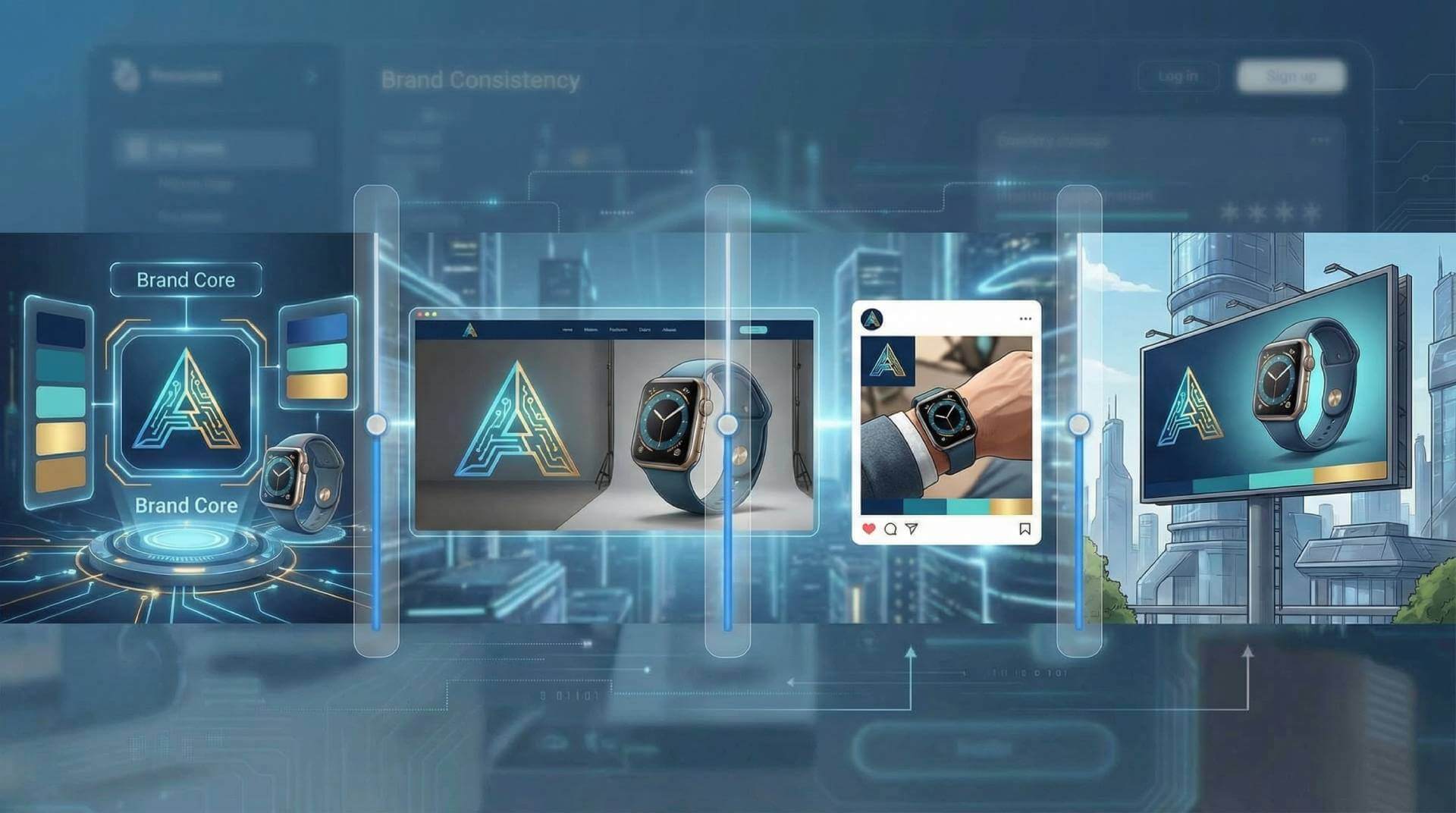
On-Brand Across Every Asset
Lock in palettes, logos, and product looks so every render—2K/4K, any aspect ratio—stays aligned with your visual guidelines.
How Image to Image AI Works
Four quick steps from upload to polished output.
Upload Your Photo
Drop in a portrait, product shot, sketch, or artwork. The image to image AI handles common formats and keeps your layout.
Pick Style or Goal
Select style transfer, enhancement, cleanup, or a preset. Guide the image to image AI with a short prompt or choose from curated looks.
Fine-Tune & Process
Adjust strength, detail, lighting, or background. The image to image AI preserves structure while applying your chosen vibe.
Download in Seconds
Export high-res results, save variations, or rerun with different styles. Your edits stay consistent across versions.
Image to Image AI FAQ
Key answers for quality, rights, and workflow.
What makes image to image AI different from text to image?
Can I use it for commercial work?
How do I get the best quality?
What styles and looks can I choose from?
Does it support background removal or object cleanup?
How fast is processing?
What resolutions do you support?
Will my uploads stay private?
Do I need to mention LoRA or model names?
Is there a free trial or credit pack?
Upgrade Your Workflow with Image to Image AI
Creative control with pro-grade quality, powered by image to image AI.
Select a model and enter a prompt to start generating amazing images.