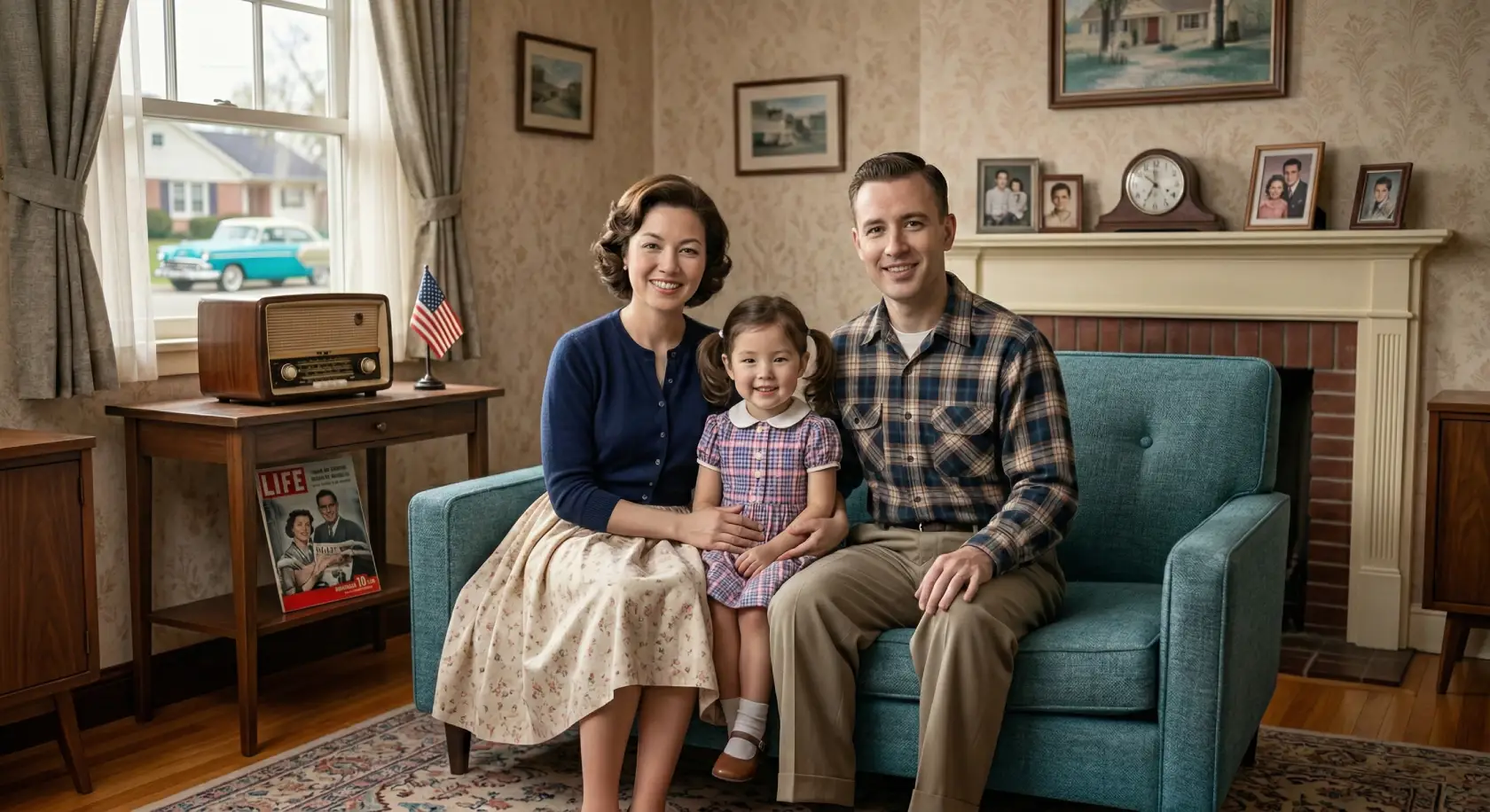
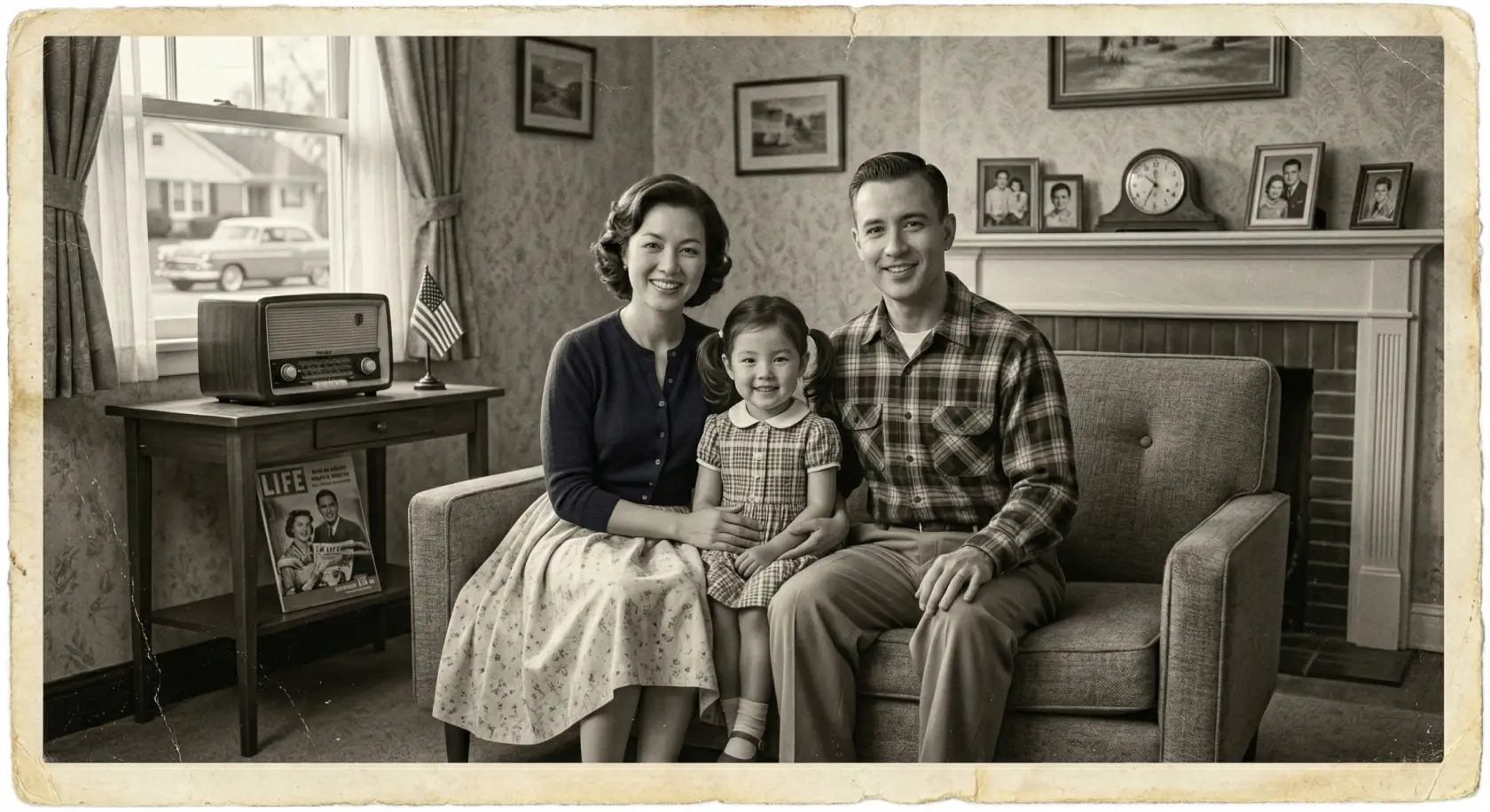
AI Image Colorizer
Bring your old photos to life with realistic colors in seconds using our Image Colorizer.
Transform your faded and black & white photographs into vibrant, colorful memories with our best AI Image Colorizer. Our advanced AI Image Colorizer analyzes your images to add historically accurate and natural-looking colors automatically. Perfect for bringing old family portraits, historical archives, and vintage snapshots back to life.
Why Use Our AI Image Colorizer?
Our AI Image Colorizer is an advanced tool that uses deep learning algorithms to analyze black and white photos and intelligently add realistic colors. By understanding the context of the image—whether it's skin tones, clothing, landscapes, or skies—the Image Colorizer applies historically accurate colors, bringing old memories back to life in seconds.
Traditional photo colorization by hand is a tedious and expensive process that requires specialized skills. Our AI Image Colorizer automates this completely, delivering professional-quality colorized photos instantly without any manual editing or technical knowledge required.
Whether you want to revive cherished family heritage, enhance historical archives, or simply experiment with vintage photos, our AI Image Colorizer provides natural, clear, and high-quality results that preserve the authenticity of your original images.
Why choose our AI Image Colorizer
Professional quality photo colorization made simple with our AI Image Colorizer.
Colorize photos in seconds with Image Colorizer
Say goodbye to hours of manual editing. Our AI Image Colorizer automatically colorizes black and white photos instantly, delivering stunning, realistic results with just one click.
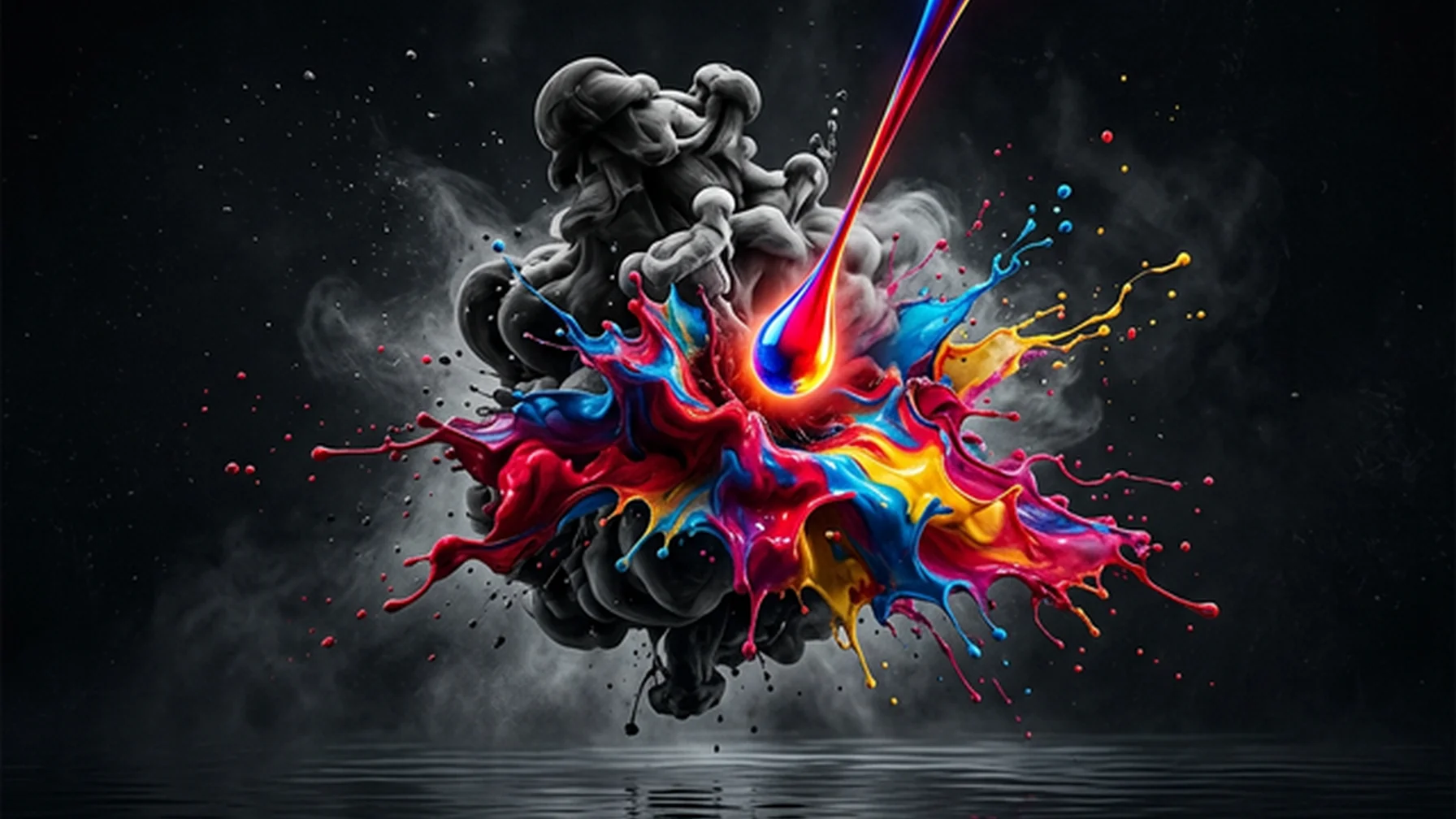
Historically accurate color prediction
The Image Colorizer AI is trained on millions of images to accurately predict and apply natural colors to skin tones, clothing, vegetation, and backgrounds, keeping your photos looking authentic.
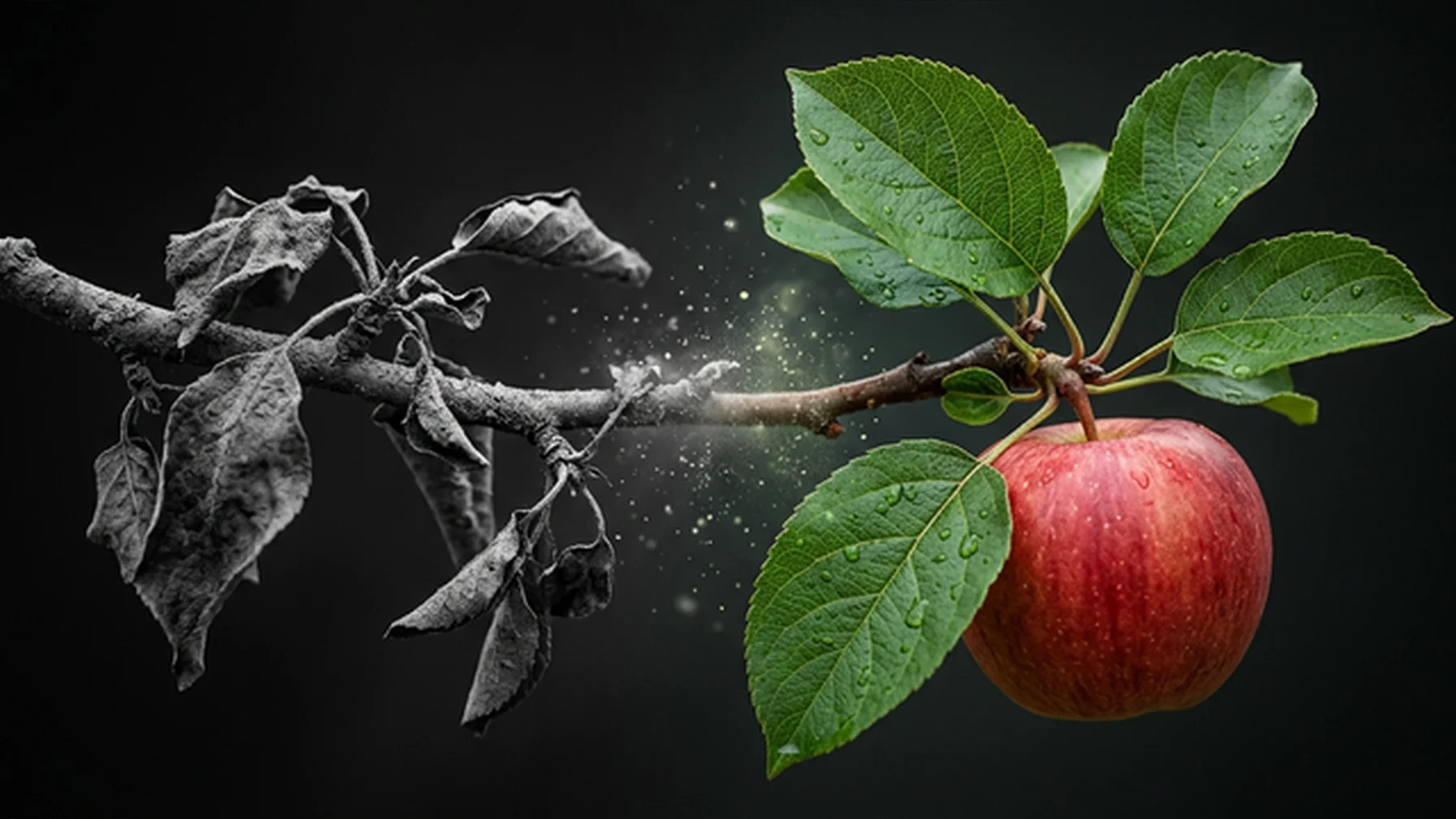
Retouch portraits while coloring
Our Image Colorizer tool doesn't just add color; it also helps enhance facial details in old portraits, making features sharper and clearer for a polished, professional look.
Improve image quality & clarity
Enhance blurry or slightly pixelated black and white photos while colorizing them. The Image Colorizer AI helps unblur elements, providing a cleaner, crisper final color image.
100% automatic process
You don't need any complex software or design experience. Our intuitive online Image Colorizer tool handles the entire colorization process automatically.
Your memories are safe with us
We take your privacy seriously. Your photos uploaded to the Image Colorizer are processed securely and are never shared publicly or used without your permission.
How to Use the Image Colorizer
Bring your vintage photos to life in four easy steps with our Image Colorizer.
Upload your B&W photo
Upload any black and white, grayscale, or faded vintage photograph to the Image Colorizer. We support JPG, PNG, and WebP formats. For best results, scan physical photos at high resolution or take clear pictures with good lighting.
AI Image Colorizer analyzes
Our advanced AI Image Colorizer automatically scans your photo, detecting faces, clothing, objects, and backgrounds to determine the most accurate and natural colors for every element.
Preview the colorized photo
In just a few seconds, preview your photo transformed with vibrant, realistic colors by the Image Colorizer. The AI ensures details remain sharp, skin tones look natural, and the original mood is preserved.
Download the result
Download your beautifully colorized photo in high resolution from the Image Colorizer. Share your revived memories with family and friends or keep them for your digital archives.
AI Image Colorizer FAQ
Common questions about using our AI Image Colorizer.
How does the Image Colorizer work?
Is the Image Colorizer free to use?
What types of photos work best for the Image Colorizer?
Will the Image Colorizer guess the exact original colors?
Does colorizing a photo reduce its quality in the Image Colorizer?
How long does the Image Colorizer take?
Are my old family photos kept private in the Image Colorizer?
Can I use the Image Colorizer for historical photos?
What image formats can I upload to the Image Colorizer?
Can I use the Image Colorizer photos commercially?
Ready to use the AI Image Colorizer?
Professional quality photo colorization made simple with our AI Image Colorizer.