
GPT Image 2
Fast, High-Quality Image Generation and Editing
GPT Image 2 is OpenAI's latest image model for turning prompts and reference images into polished results. It is designed for fast image generation, precise editing, and flexible output sizes for modern creative workflows.
Get Inspired
Get inspired by what others are creating
What Makes GPT Image 2 Different?
GPT Image 2 is OpenAI's state-of-the-art image generation model for teams that need both speed and quality. It is built for fast image creation and editing, so you can move from a prompt to a usable result without slowing down your workflow.
The model supports flexible image sizes and high-fidelity image inputs, which makes it useful for everything from rough concepts to more polished visual production. You can start with text alone or bring in reference images when you want to preserve important details.
GPT Image 2 is a strong fit for modern creative workflows where iteration matters. It is designed to help you refine compositions, update visual details, and produce images that are ready for presentation, prototyping, or production use.
Why Use GPT Image 2
Built for fast creation, editing, and high-fidelity visual output.
Fast Generation for Iteration
Move from prompt to image quickly so you can test ideas, refine directions, and keep creative momentum.
Prompt-Driven Image Editing
Update an image by describing the change you want, from subtle touch-ups to broad transformations.
Flexible Image Sizes
Generate outputs sized for different layouts and use cases without locking into a single rigid format.
High-Fidelity Image Inputs
Use detailed reference images and preserve important visual cues when the source matters.
Text and Image Inputs
Start from a text prompt or combine text with images for richer, more controlled generation.
Polished Results for Real Work
Produce images that are ready for concepts, campaigns, prototypes, and day-to-day creative tasks.
How GPT Image 2 Works
A simple prompt-to-image workflow with editing support.
Write Your Prompt
Describe the image you want to create. GPT Image 2 is designed for straightforward prompt-driven generation as well as more detailed creative directions.
Add Reference Images
Upload source images when you want to preserve composition, subject identity, or important visual details during generation or editing.
Generate or Edit
Use the model to create a fresh image or refine an existing one. GPT Image 2 is optimized for fast, high-quality image generation and editing.
Export Your Result
Download the output in a size that fits your use case, whether you are creating concepts, marketing assets, or product visuals.
GPT Image 2 FAQ
Common questions about OpenAI's image model.
What is GPT Image 2?
What kinds of inputs does GPT Image 2 support?
Can I edit images with GPT Image 2?
Does GPT Image 2 support different image sizes?
Is GPT Image 2 good for text-heavy visuals?
When should I use reference images?
Is GPT Image 2 only for creative work?
How do I choose between generating and editing?
Explore More AI Image Models
GPT Image 2 Alternatives
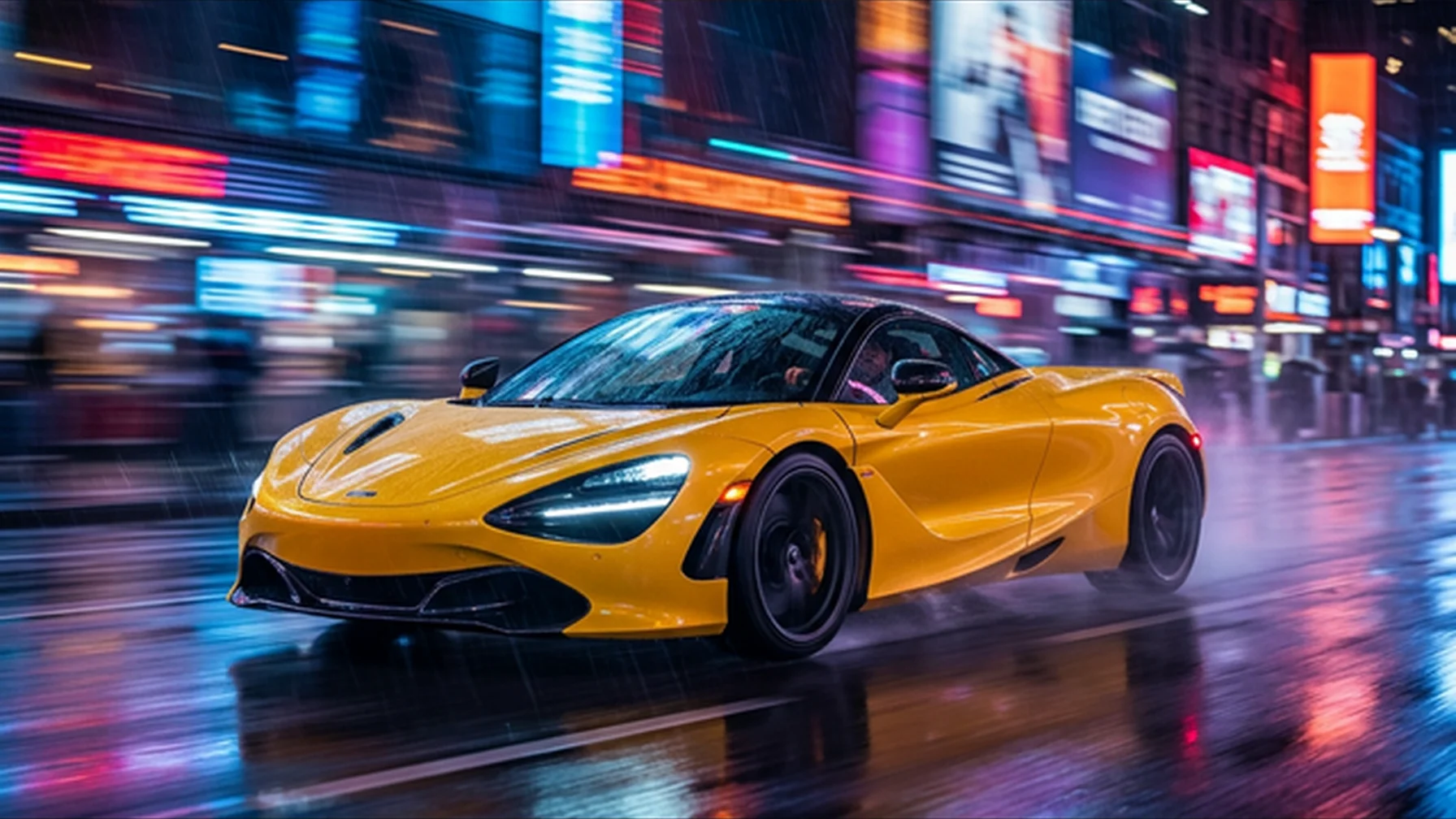
Nano Banana 2
Generate and edit images with fast, expressive results and strong overall control.
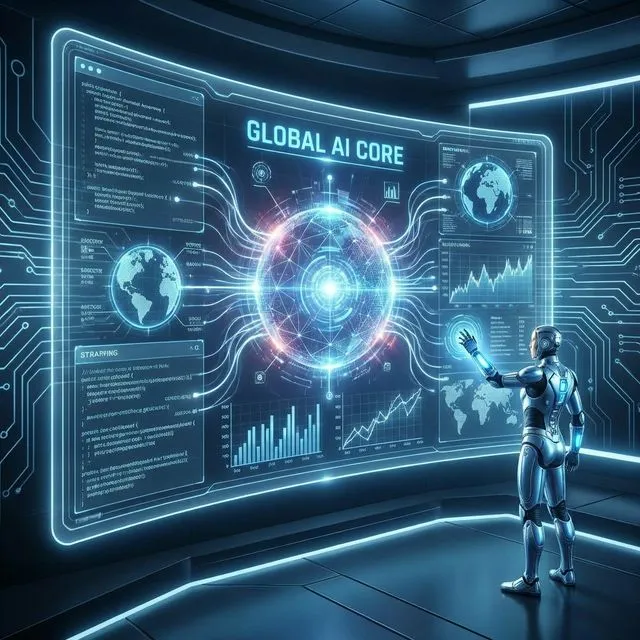
Seedream 5.0
Create high-quality images with strong prompt following and versatile generation capabilities.
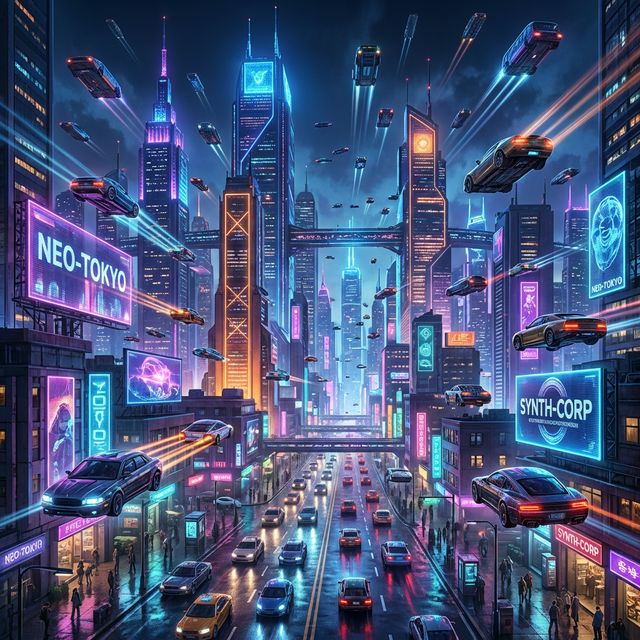
Midjourney
Produce stylized, high-impact visuals with rich composition and creative direction.
Start Creating with GPT Image 2
Built for fast creation, editing, and high-fidelity visual output.
Select a model and enter a prompt to start generating amazing images.