
Clarity
Sharper High-Resolution Output
Preserve crisp edges, textures, product contours, and fine scene details at larger output sizes.
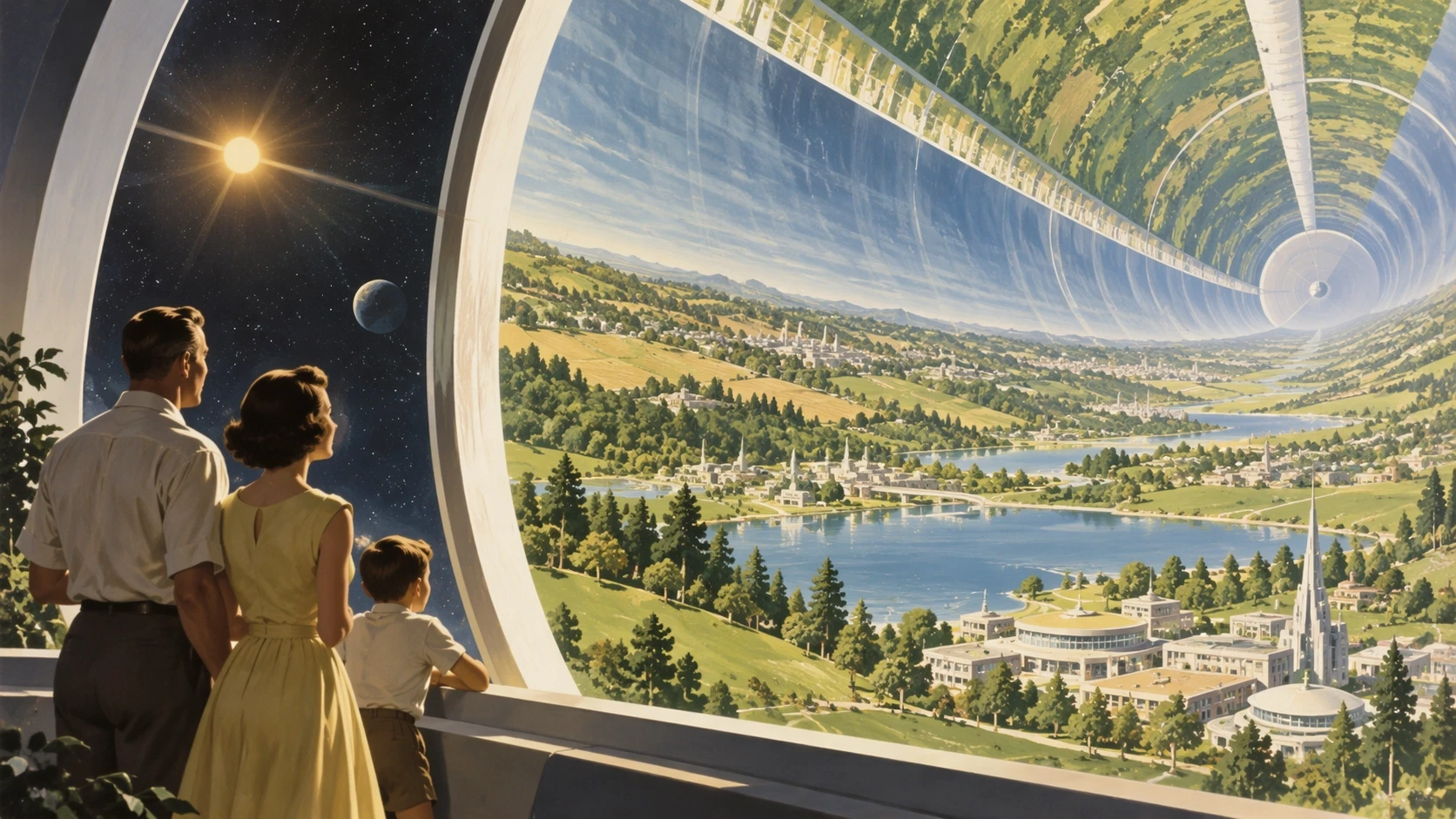
GPT Image 2.5 brings sharper details, faster generation, clearer typography, and more reliable editing to creative workflows. Turn prompts and reference images into polished visuals with better control over what changes and what stays the same.
GPT Image 2.5 is built for image creation and editing where clarity, control, and iteration matter. It produces sharper details, more natural lighting and textures, and better preserves the important features of reference images.
The model follows complex visual instructions more precisely, including object placement, layouts, colors, lighting, and readable text. It is useful for everything from campaign creative and product visuals to mockups, presentations, and social content.
With more consistent multi-turn editing, you can refine an image across several prompts while keeping approved subjects, composition, and visual identity closer to the original result.
Sharper output and more reliable control for real creative work.
Preserve crisp edges, textures, product contours, and fine scene details at larger output sizes.
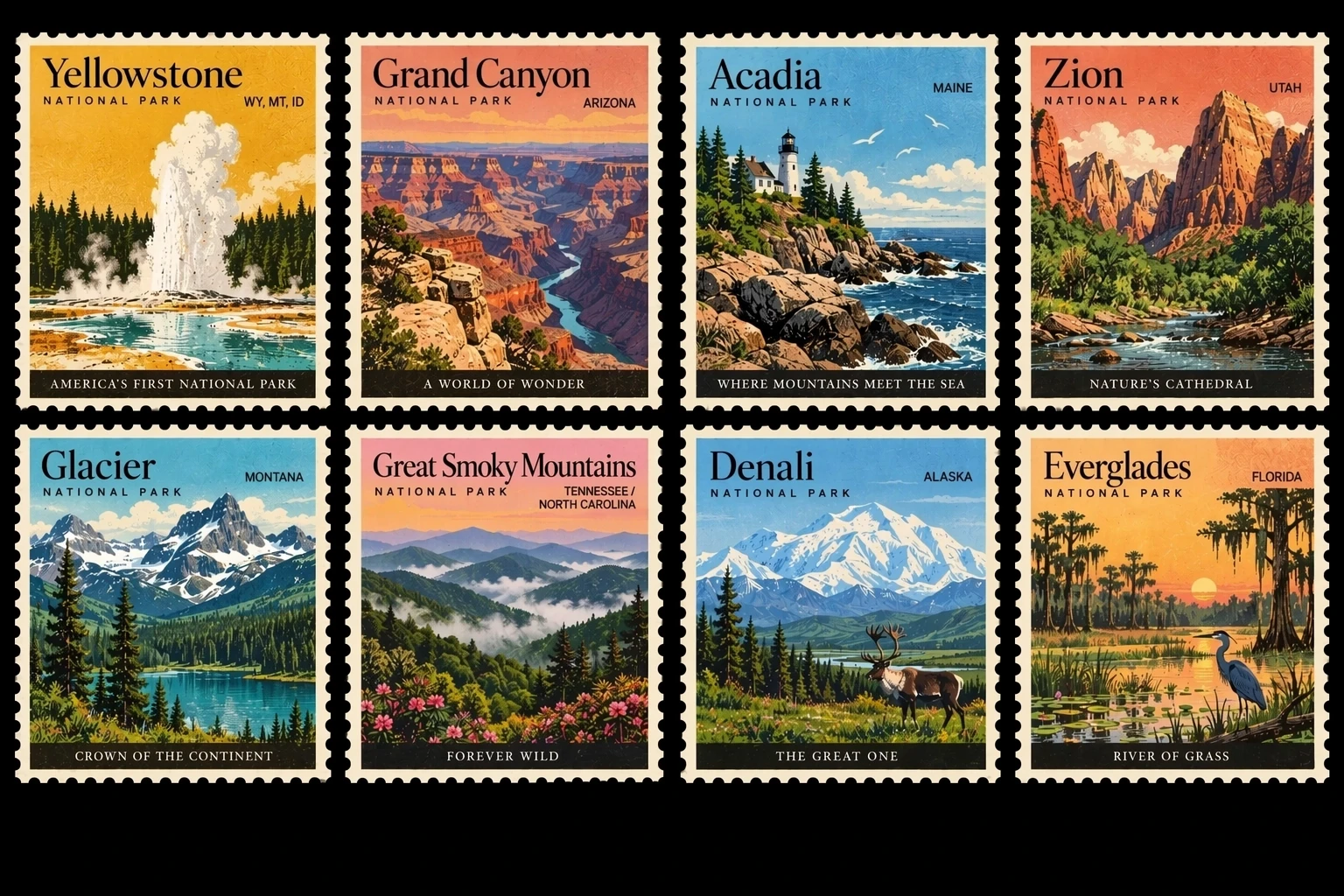
Create posters, ads, packaging, and interface concepts with more readable text and coherent layouts.
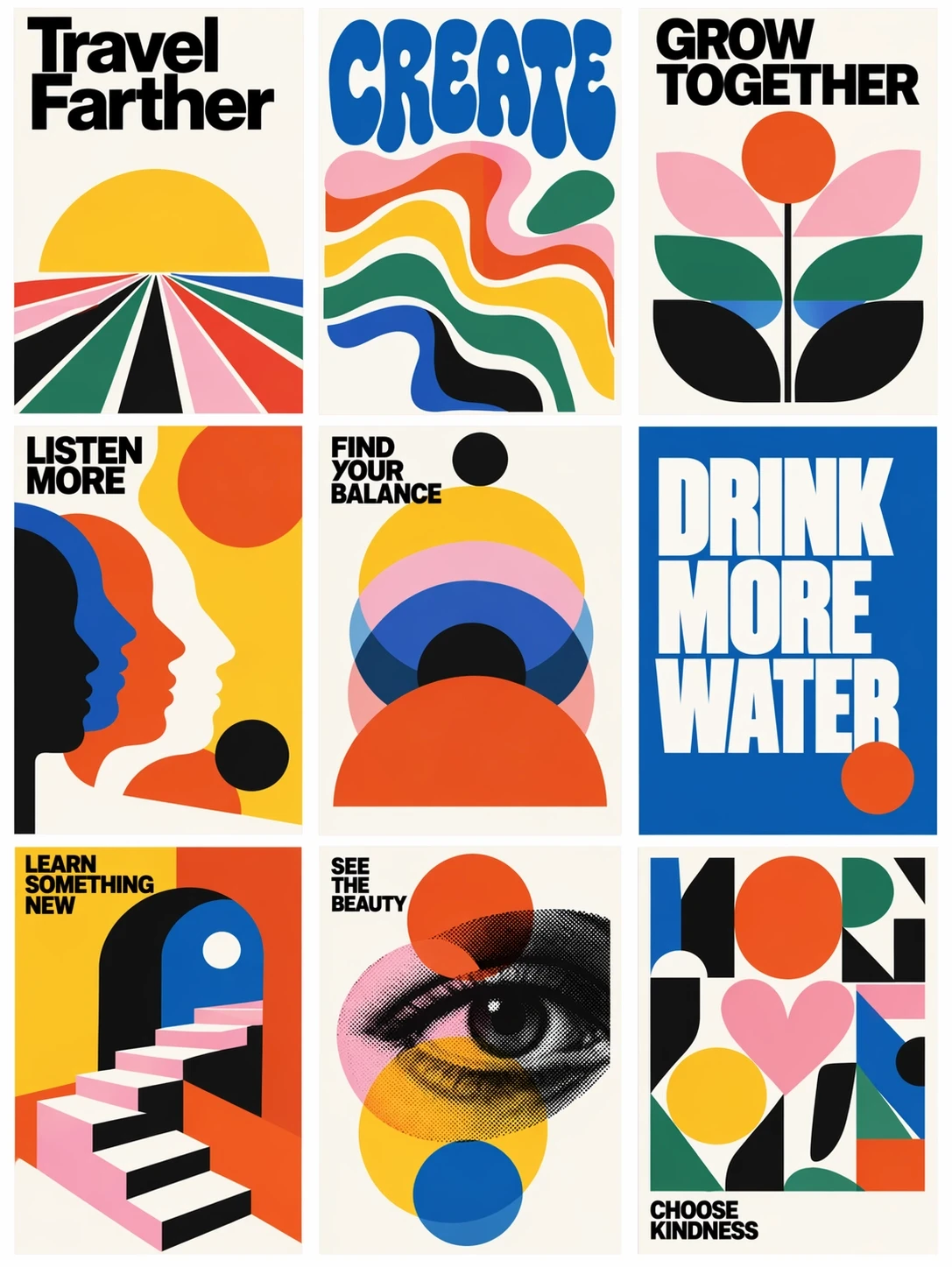
Keep object counts, positions, materials, camera direction, lighting, and composition aligned with your prompt.
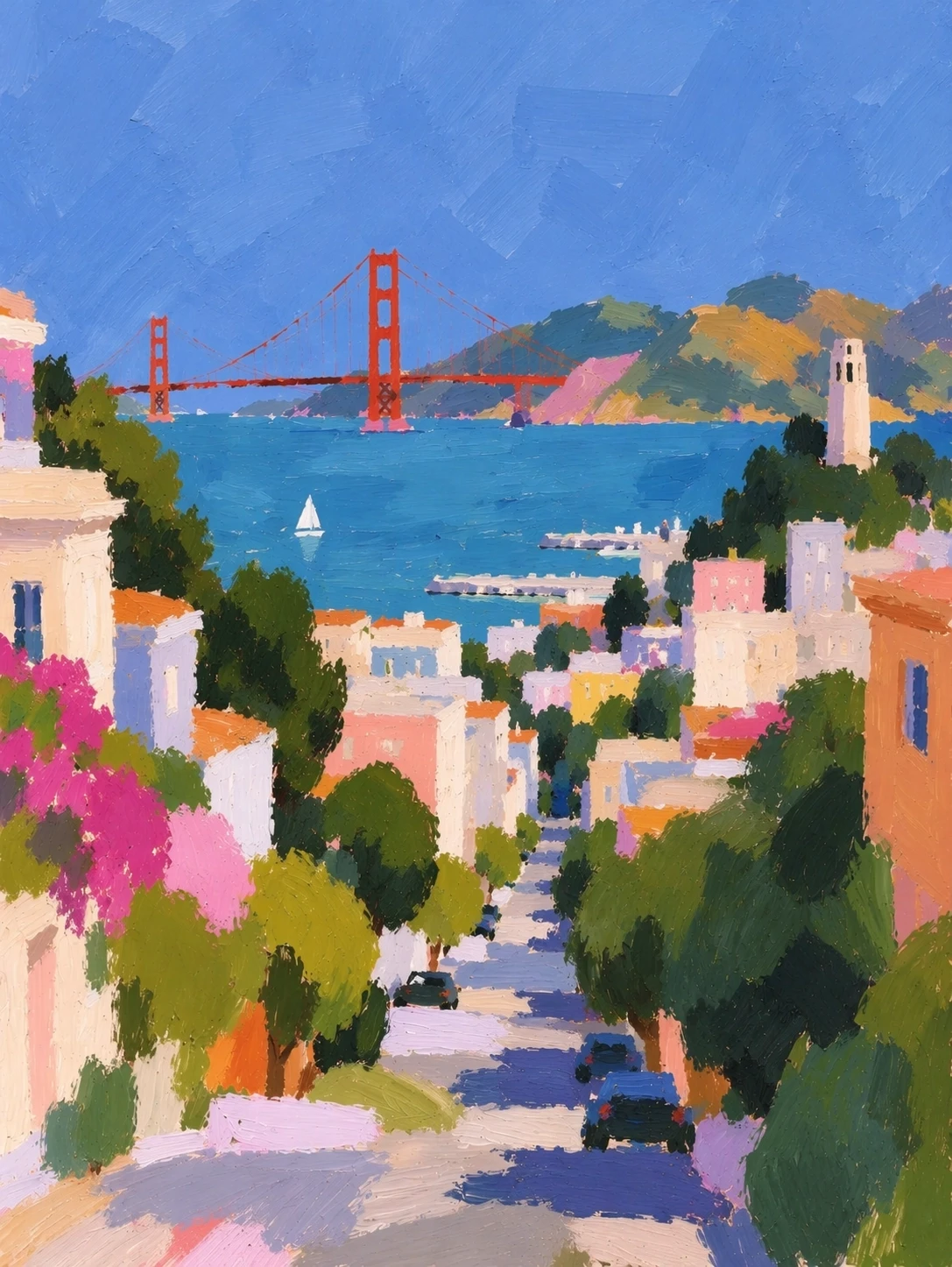
Update a specific product, background, or piece of copy while preserving the surrounding visual treatment.
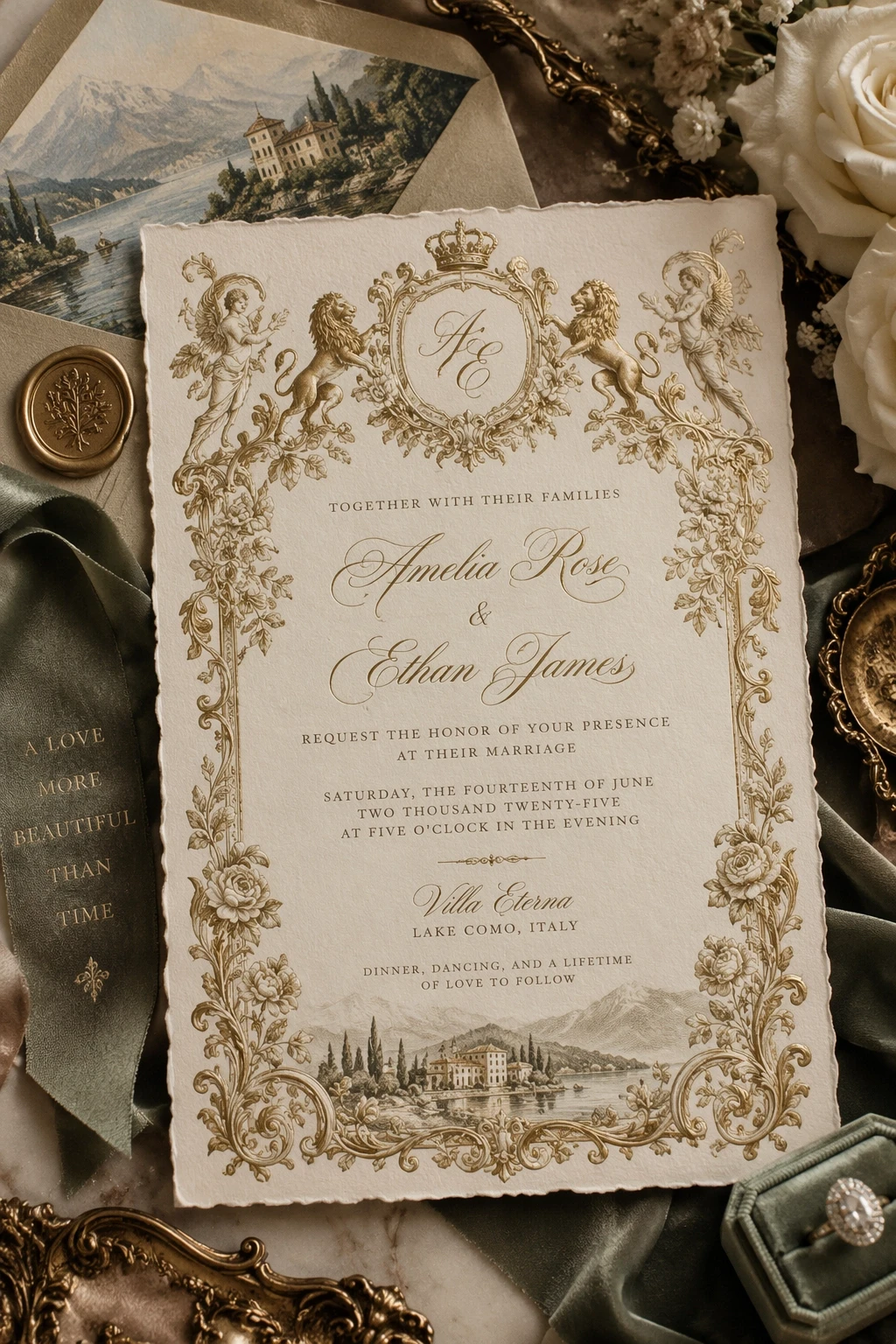
Make repeated edits while keeping approved subjects, colors, gradients, and composition more consistent.
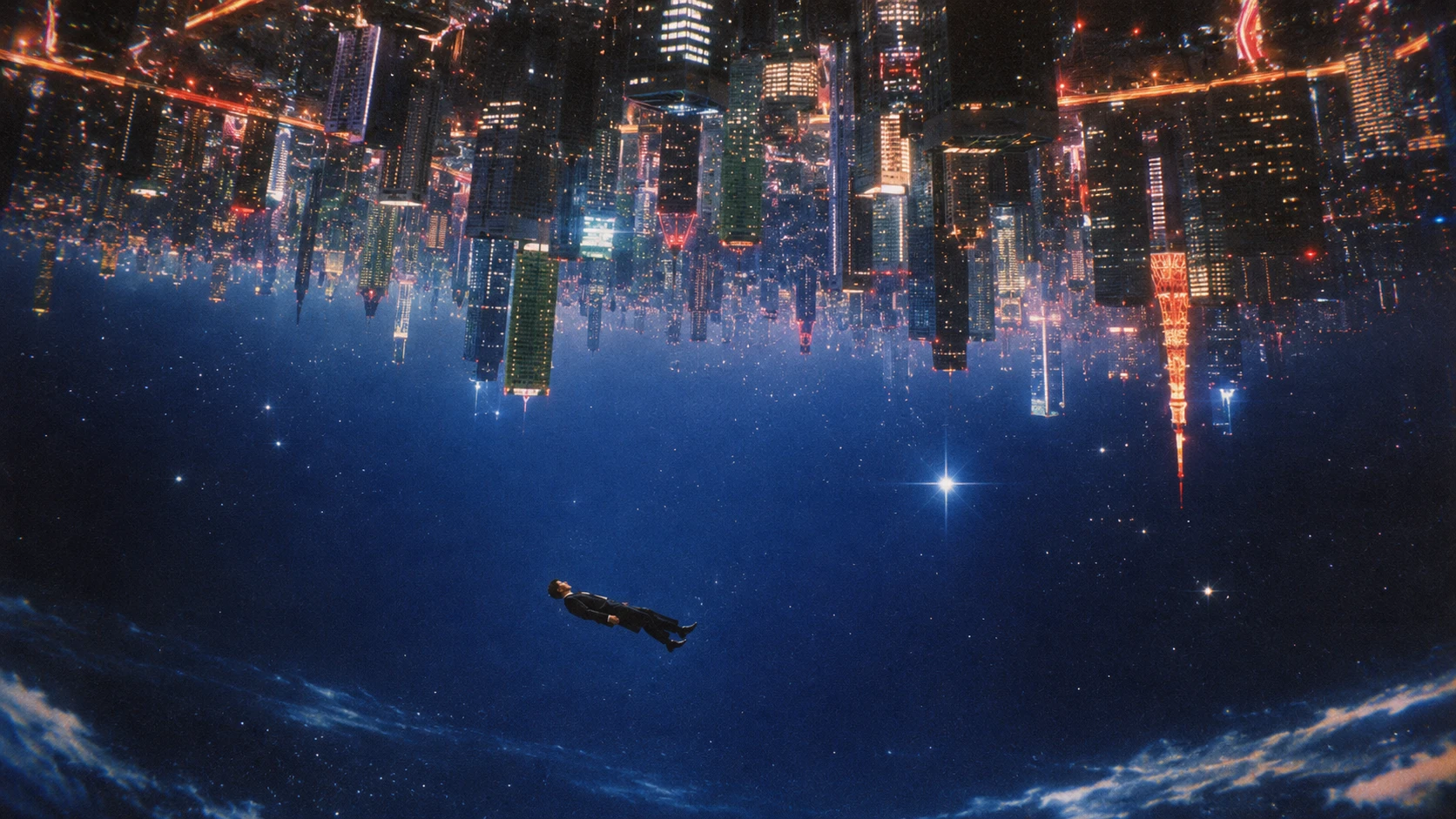
Create more natural skin, hair, fabrics, reflections, labels, logos, and product geometry.
A simple workflow for creating, editing, and refining images.
Write a prompt describing the subject, composition, style, lighting, colors, and text you want to see.
Upload an image when you want to preserve a subject, layout, creative direction, or other important visual details.
Create a new image or describe a focused change. GPT Image 2.5 is designed to preserve the details you want to keep.
Continue iterating on text, objects, colors, or lighting, then download the polished result for your workflow.
GPT Image 2.5 FAQ
GPT Image 2.5 is an advanced image generation and editing model focused on sharper output, clearer text, precise instructions, and consistent visual refinement.
It improves high-resolution clarity, text rendering, prompt alignment, natural fine details, generation speed, and consistency across repeated edits.
Yes. Upload a reference image and describe the change you want, such as updating an object, background, color, or piece of text.
It is designed for clearer typography in posters, advertisements, packaging, social graphics, mockups, and other text-heavy compositions.
Yes. GPT Image 2.5 is designed to maintain more visual consistency across multiple rounds of image refinement.
It works well for campaign creative, product visualization, brand content, e-commerce assets, UI concepts, information graphics, and iterative editing.
Use one when you want to preserve a subject, composition, layout, style cue, or other details from an existing image.
Describe your idea, optionally upload a reference image, and generate. You can then use follow-up prompts to refine the result.
Sharper output and more reliable control for real creative work.
Try It NowNo images yet