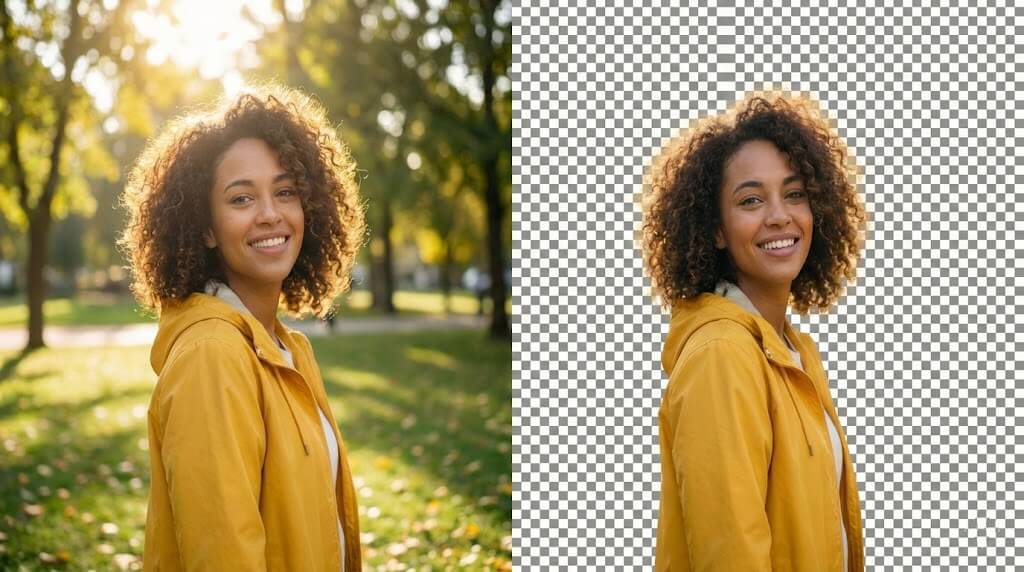
Instant AI Processing
Remove backgrounds in 3-5 seconds
Powered by advanced AI that instantly detects subjects and erases backgrounds. No manual selection, no tedious editing—just upload and done. Process images 100x faster than manual tools.
Transform any image with automatic background removal. Get transparent PNGs for logos, product photos, or social media. Change backgrounds to white, add custom colors, or replace with AI-generated scenes. Professional results in seconds—no editing skills needed.
An AI background remover is a powerful tool that uses artificial intelligence to automatically detect and remove backgrounds from images. Unlike traditional photo editing software that requires manual selection and tracing, our AI analyzes your image in seconds and cleanly separates the subject from the background.
Perfect for e-commerce product photos, professional headshots, social media content, and creative projects. Our background remover handles complex edges like hair, fur, and transparent objects with precision, giving you professional results without any design experience.
Simply upload your image, and our AI does the rest. Download as a transparent PNG for maximum flexibility, or choose from white backgrounds, custom colors, or AI-generated scenes to match your needs.
Everything you need for professional background removal with our background remover.
Powered by advanced AI that instantly detects subjects and erases backgrounds. No manual selection, no tedious editing—just upload and done. Process images 100x faster than manual tools.
Download images with transparent backgrounds (alpha channel) in PNG format. Ideal for logos, stickers, overlays, and any design that needs to blend seamlessly.
Upload and remove backgrounds from dozens of images simultaneously. Perfect for e-commerce catalogs, product photography, or large design projects. Save hours of editing time.
AI accurately handles complex edges—hair strands, fur, transparent objects, fine jewelry, and intricate patterns. Get clean cutouts without jagged edges or halos.
Choose transparent PNG for flexibility, white background for e-commerce platforms, solid colors for branding, or AI-generated scenes for creative projects. Unlimited possibilities.

All processing happens securely. Your uploads are private, never shared publicly, and can be deleted anytime. Enterprise-grade security for your photos and designs.

Four simple steps to perfect background removal.
Add any photo—product shots, portraits, logos, or graphics. Supports JPG, PNG, WebP up to 10MB. Works with complex subjects like hair, fur, and intricate details.
Our advanced AI background remover detects your subject and erases the background in 3-5 seconds. Preserves fine details, edges, and transparency with pixel-perfect precision.
Keep transparent PNG for versatility, change to white for e-commerce, add solid colors, or generate AI backgrounds. Customize to match your brand or project needs.
Export in PNG with transparency or JPG with custom background. Perfect for websites, social media, presentations, or print. No watermarks, full resolution.
Discover how professionals use our AI background remover to enhance their visuals.
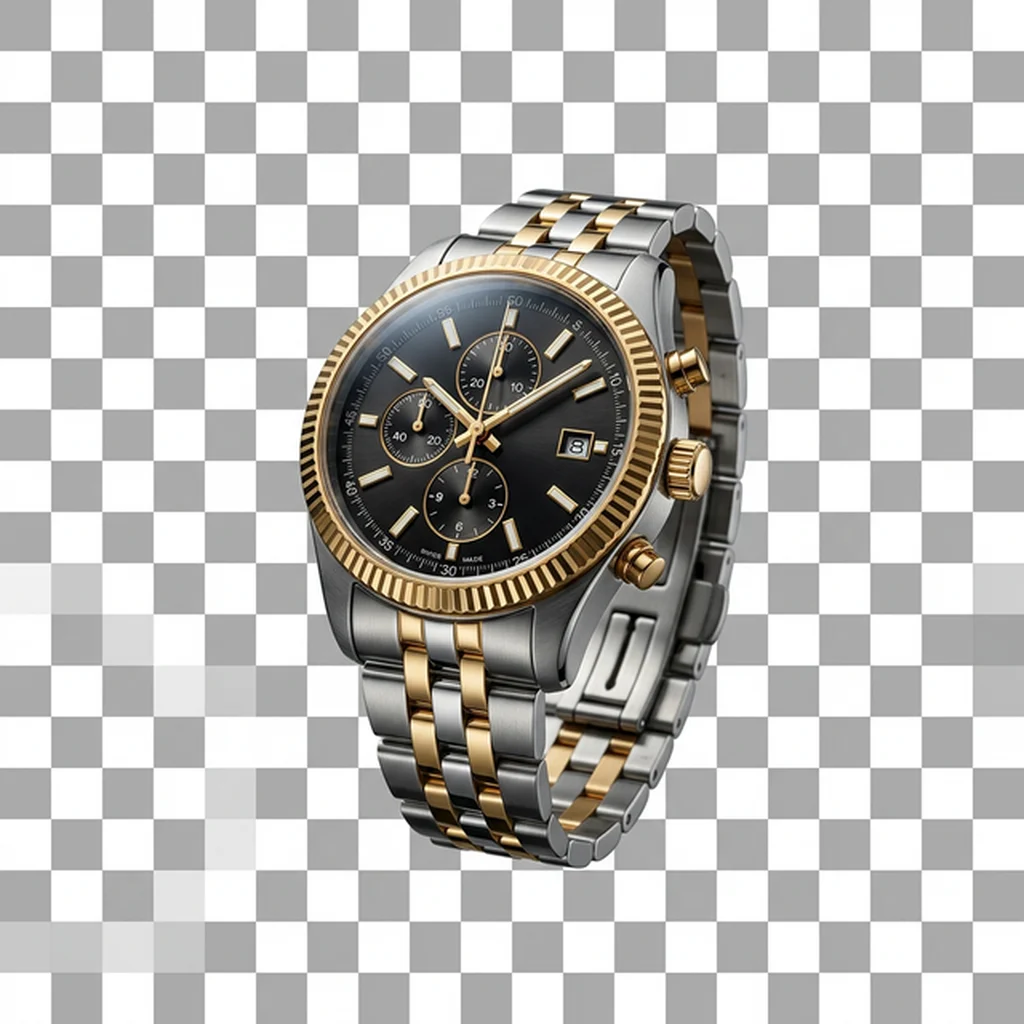
Create clean white or transparent product images for Amazon, Shopify, and Etsy listings in seconds. Enhance your catalogs with consistent, professional, and high-converting visual assets.
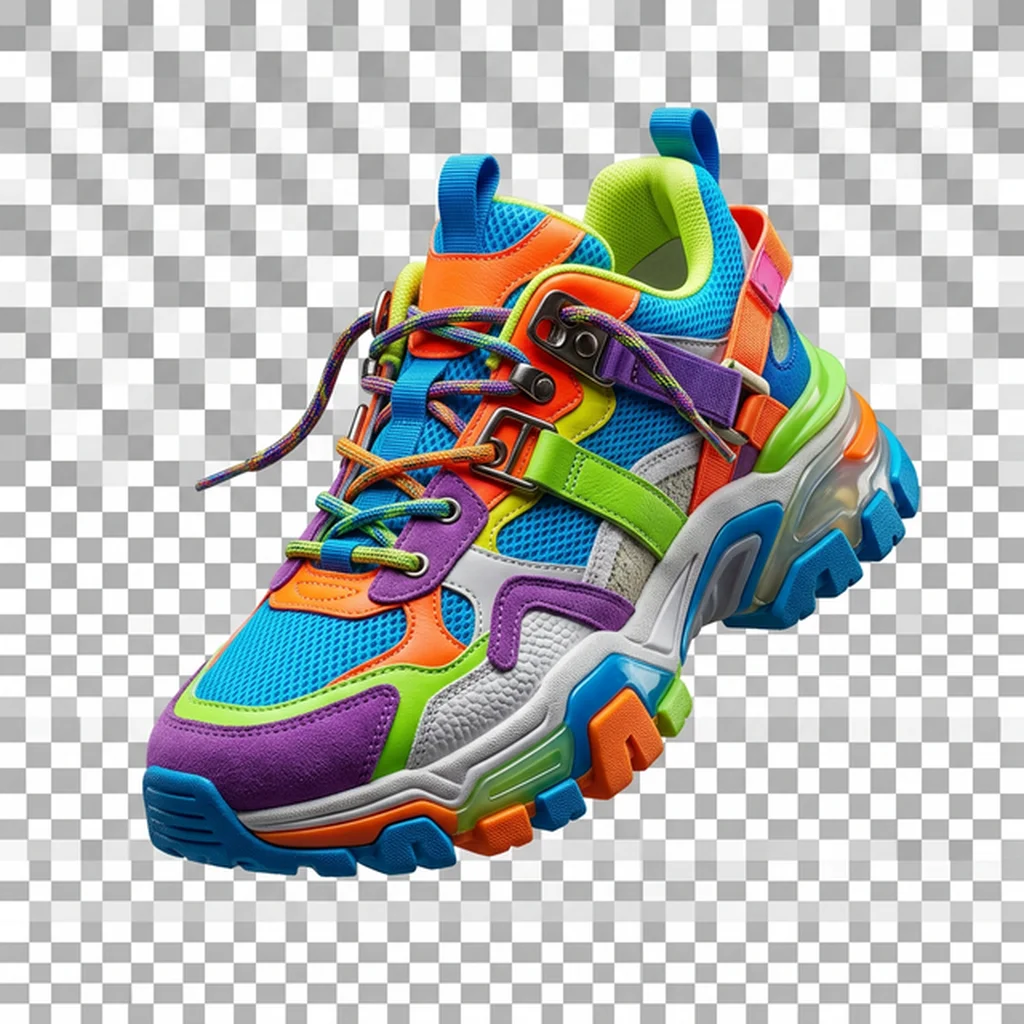
Remove distracting backgrounds instantly to create cleaner, highly engaging thumbnails, social media posts, and scroll-stopping ad visuals.
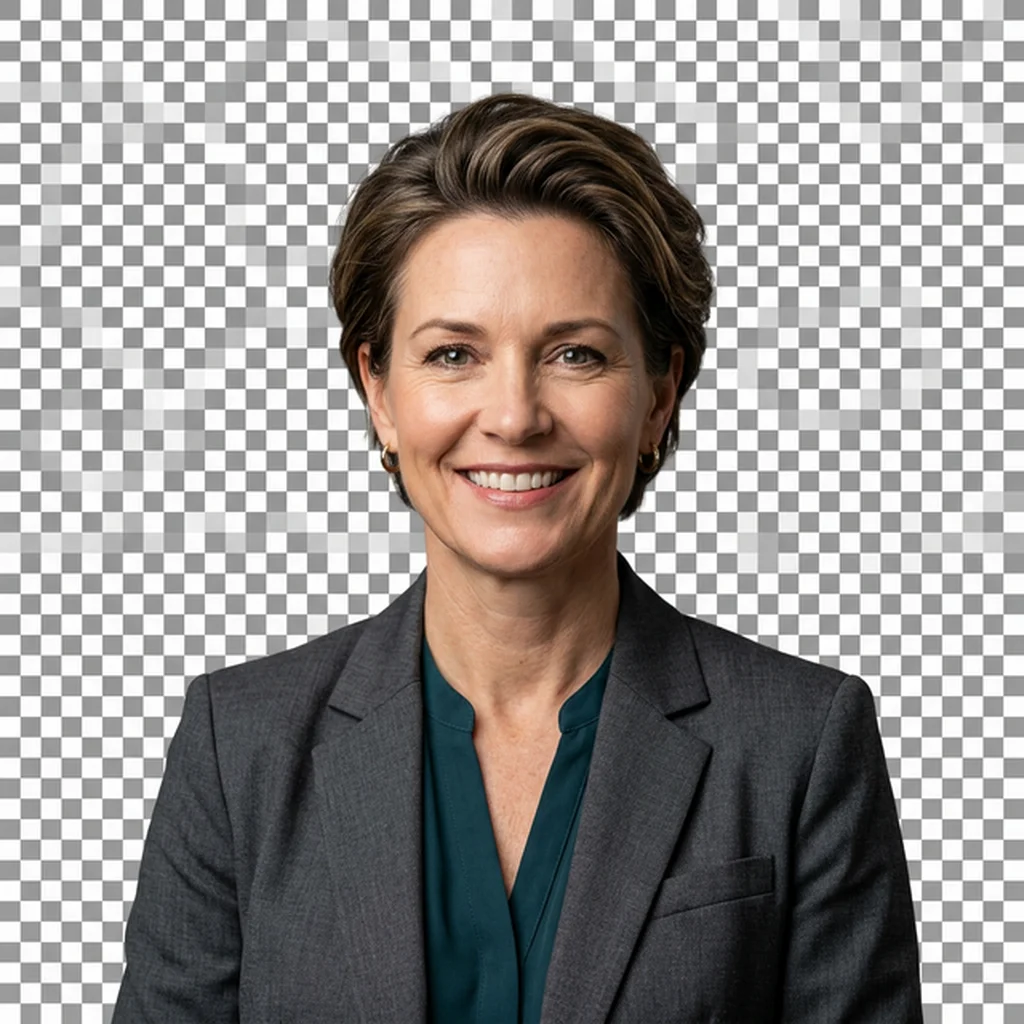
Generate polished, studio-quality profile photos for LinkedIn, professional resumes, and corporate team pages without the hassle of manual photo editing.
Effortlessly export perfectly transparent PNG files tailored for modern websites, professional presentation decks, and cohesive brand design systems.
Background remover FAQ
An AI background remover uses artificial intelligence to automatically detect the main subject in an image and remove the background. Unlike manual tools that require tracing or selection, AI analyzes the image and separates foreground from background instantly, preserving fine details like hair, fur, and transparent objects.
Yes! New users get free starter credits to remove backgrounds from images. You can test the tool and see professional results before deciding to upgrade for higher volumes or advanced features like batch processing.
Most images are processed in 3-5 seconds. Processing time depends on image size and complexity, but you'll typically have your transparent PNG or custom background ready to download within seconds of uploading.
Upload images in JPG, PNG, or WebP format up to 10MB. The AI works with any resolution, from small social media images to high-resolution product photography. Export as PNG (with transparency) or JPG (with custom background).
Absolutely! The default output is a transparent PNG with alpha channel, perfect for logos, graphics, overlays, and designs. You can also choose to add white backgrounds, solid colors, or AI-generated scenes instead.
After the AI removes the background, you can choose from multiple options: keep it transparent, add a white background for e-commerce, select any solid color for branding, or use our AI background generator to create realistic scenes.
Yes! Paid plans include batch processing to remove backgrounds from multiple images simultaneously. Upload entire folders of product photos, portraits, or graphics and process them all at once—perfect for e-commerce and large projects.
Yes. Your images are processed securely and remain private. They're tied to your account, never shared publicly, and can be deleted anytime. We take privacy seriously and use enterprise-grade security for all uploads.
Yes! Paid plans include commercial usage rights for the images you create. Use them for e-commerce, marketing, client work, social media, or any business purpose. Check your plan details for specific licensing terms.
AI background removal is 100x faster than manual tools like Photoshop's pen tool or magic wand. It handles complex edges (hair, fur, transparency) automatically, requires no editing skills, and produces consistent professional results every time. Perfect for anyone who needs speed and quality.
Explore more AI tools to enhance your images
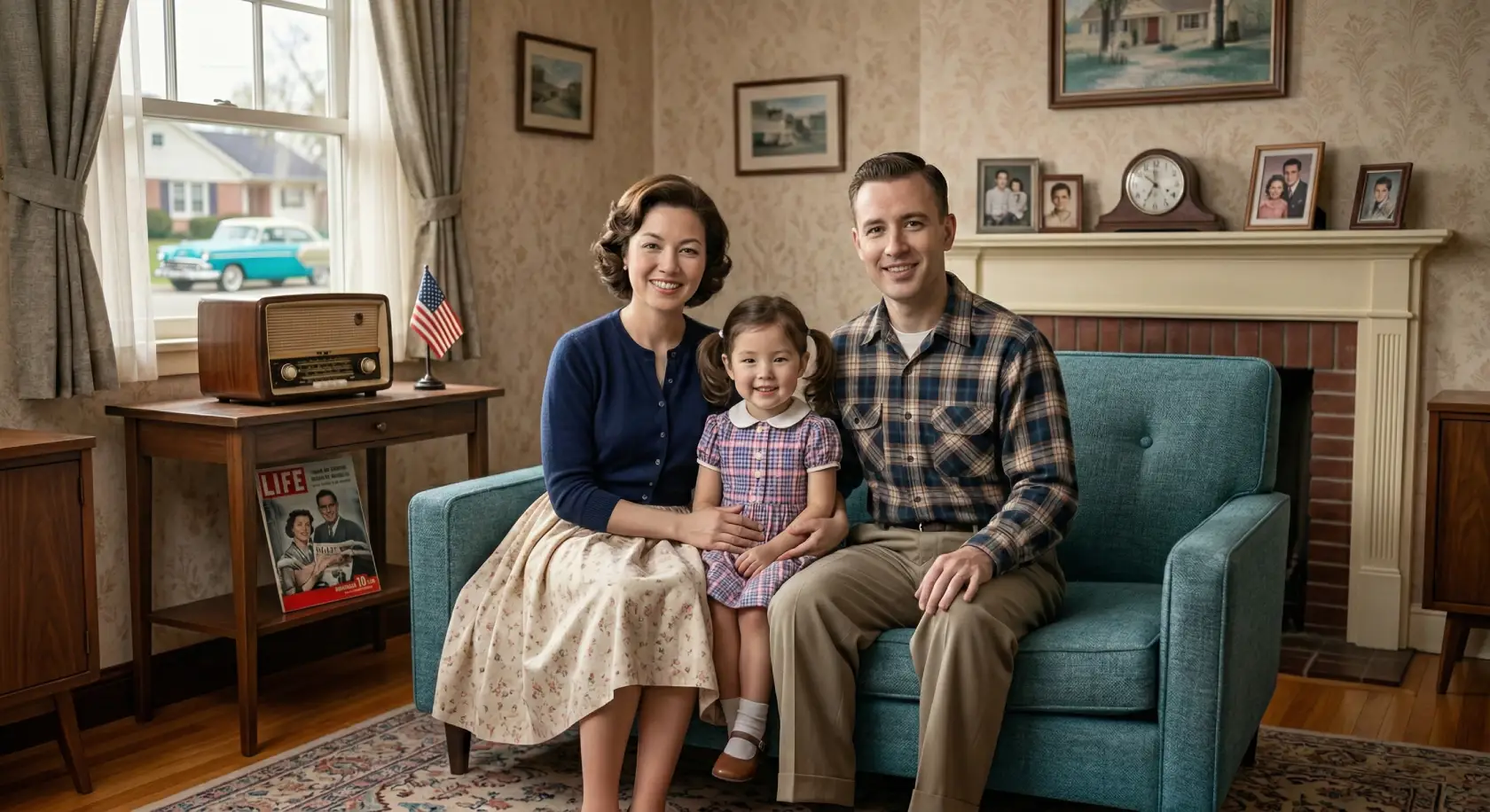
Bring your old photos to life with realistic colors in seconds using our Image Colorizer.
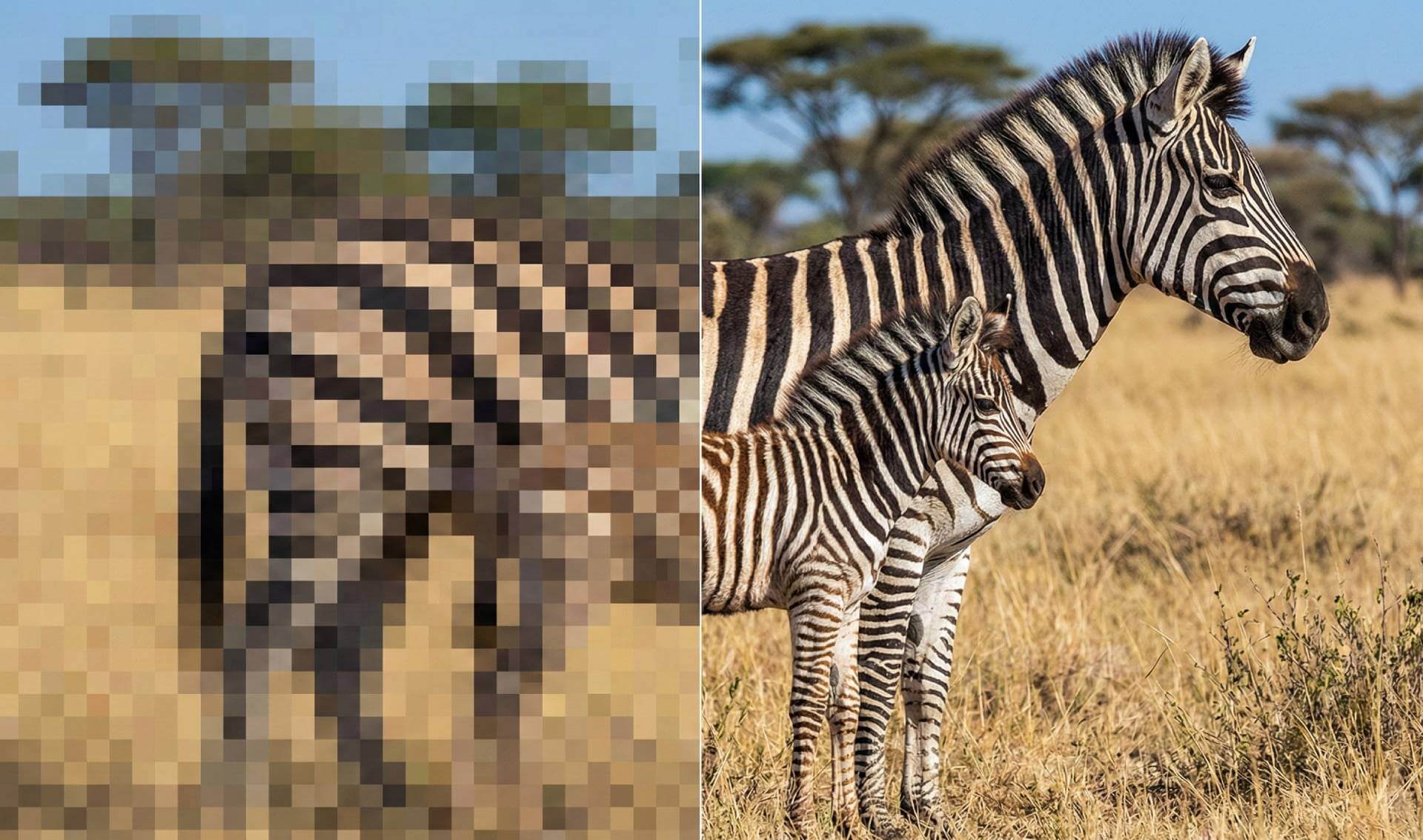
Best free tool to upscale images to 4K
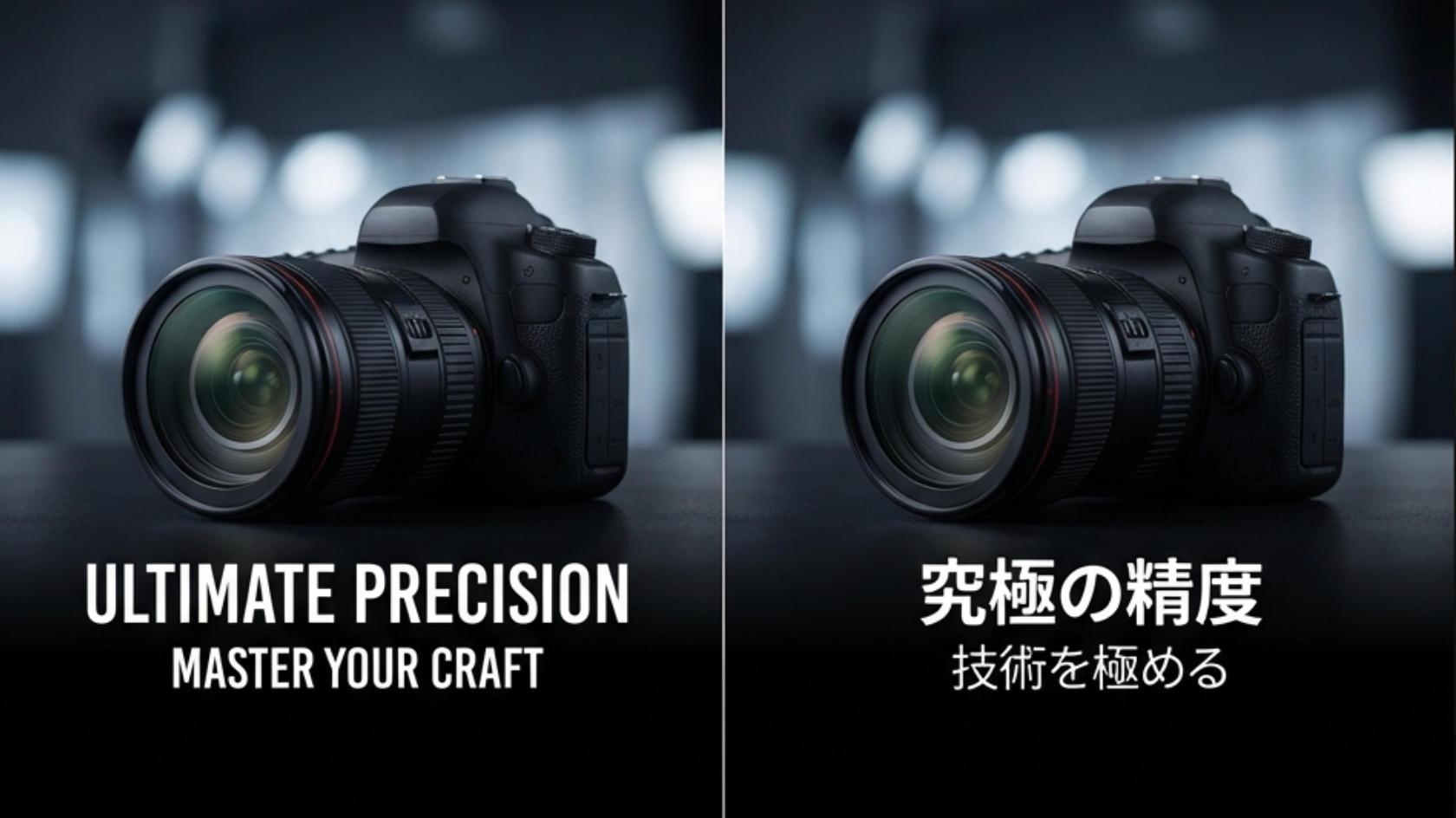
Translate text from any image instantly
Everything you need for professional background removal with our background remover.
Remove background nowReference Images *