Ai Image To VideoAi Image To Video

Video

  • Image To Video
  • Text To Video

Image

  • Text To Image
  • Image To Image
  • AI Tools
Ai Image To Video
AI Video
Text To VideoCreate stunning videos from text descriptionsImage To VideoTransform images into videos with AI
AI Image
Text To ImageCreate stunning images from text descriptionsImage To ImageTransform existing images with AI editing
AI Models
Seedance 2.0Kling 3.0Veo 3.1Grok ImagineNano Banana 2Seedream 5.0
AI Tools
Ai Image UpscalerUpscale your images with advanced AIImage Background RemoverRemove background from images with AIImage TranslatorTranslate text within images using AIRestore Old PhotosBring old memories back to life with AI photo restorationManga TranslatorTranslate manga text using AIImage ColorizerColorize black and white photos with AIImage DescriberDescribe images and generate prompts using AI
  • Image To Video
  • Text To Video
  • Text To Image
  • Image To Image
  • AI Tools
OpenAI image model · guide and concepts

GPT Image 2.6

Explore the new image model and its creative possibilities

See what OpenAI has announced for GPT Image 2.6, compare its API options, and explore visual concepts for editing, product creative, and storytelling. The artwork on this page is illustrative, not a verified model output.

Try GPT Image 2.6 on this siteExplore the examples

What is GPT Image 2.6?

OpenAI introduced GPT Image 2.6 on November 4, 2026, as an update to image generation and editing across ChatGPT, Codex, and the API. OpenAI reports that generation can be up to 50% faster than before. That figure is the vendor’s published claim, not an independent benchmark; real latency depends on the request, settings, and service conditions.

The experience differs by product. ChatGPT adds animated GIF creation and saved reference images that can be reused in later work. The API provides two model choices, Flare and Sunburst, alongside controls for complexity and editing workflows. A feature available in ChatGPT or the API should not be assumed to exist in every third-party image tool.

The API documentation describes markup-guided edits, SVG output, and GIF generation. These capabilities are useful to understand when comparing workflows, but they do not mean that every interface exposes the same controls or output formats. Always check which surface you are using and what it actually supports.

This page is an independent guide to GPT Image 2.6. The four images are original concept illustrations created for visual planning; they were not generated by GPT Image 2.6 and are not model test results. The generator below is configured with the GPT Image 2.6 model listed in this site’s catalog.

What to know about GPT Image 2.6

Separate official product announcements from the capabilities verified in the tool you plan to use.

Iteration

A faster path for visual exploration

OpenAI says GPT Image 2.6 can generate images up to 50% faster than the previous model. Treat this as a published vendor comparison rather than a guarantee for every prompt. For a fair test, keep the prompt, output size, quality, and service conditions consistent, then record both time and result quality.
A faster path for visual exploration
API model options

Choose between Flare and Sunburst

The API offers Flare for faster iteration and Sunburst for more detailed visual work. OpenAI describes improved consistency across edits for Sunburst at medium or high quality. These names and controls refer to API access; they may not appear in ChatGPT or on this website.

Choose between Flare and Sunburst
Editing

Guide edits with focused instructions

The API guide documents markup-guided editing and a complexity setting. Markup can help point to an area that needs attention, while complexity controls how much the model is asked to change. A low setting can suit focused edits; broader requests may need more room. The illustration here is conceptual, not an edit test.

Guide edits with focused instructions
Formats

Understand GIF and SVG availability

OpenAI announces GIF creation in ChatGPT, and its API guide describes GIF and SVG output. Availability, controls, and file handling vary by product surface. Check the interface and documentation for the exact workflow before planning a production handoff or promising a downloadable format.

Understand GIF and SVG availability

How to evaluate the model for your work

A simple checklist helps distinguish a compelling demo from a dependable workflow.

  1. 1

    Define the visual task

    Write down the image, edit, or output format you need. Include the details that must stay fixed and the parts that may change.

  2. 2

    Choose the product surface

    Decide whether you are evaluating ChatGPT or the API. Their features overlap, but the controls and formats are not identical.

  3. 3

    Compare controlled examples

    Use the same prompt and settings when comparing versions. Save the inputs, output dimensions, model choice, and generation time.

  4. 4

    Verify the real workflow

    Before relying on a feature, confirm that your chosen product exposes it and that your account, plan, or integration can use it.

Visual concepts for image-generation workflows

These original illustrations make the page more tangible. They show example creative directions, not verified GPT Image 2.6 performance.

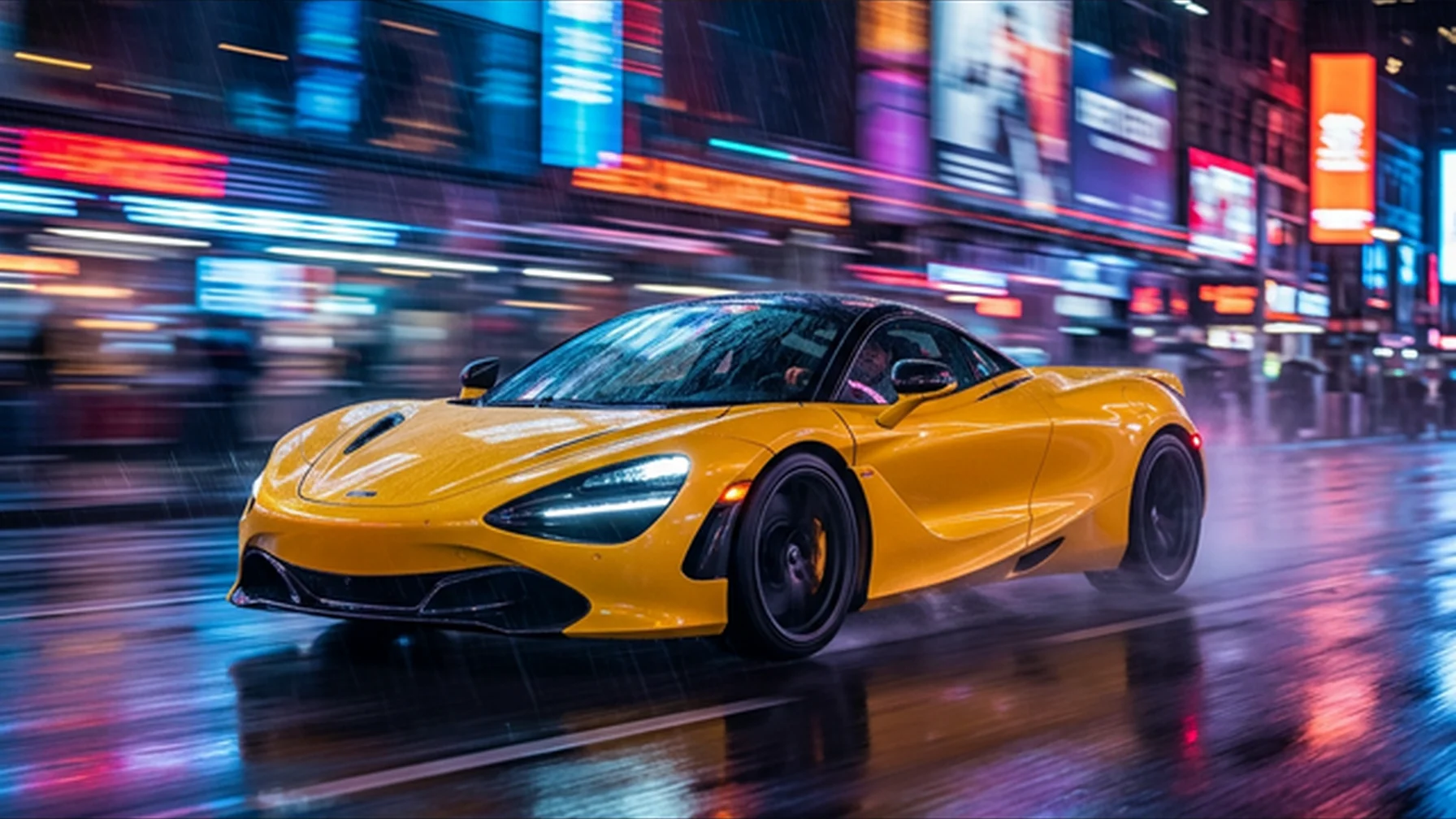
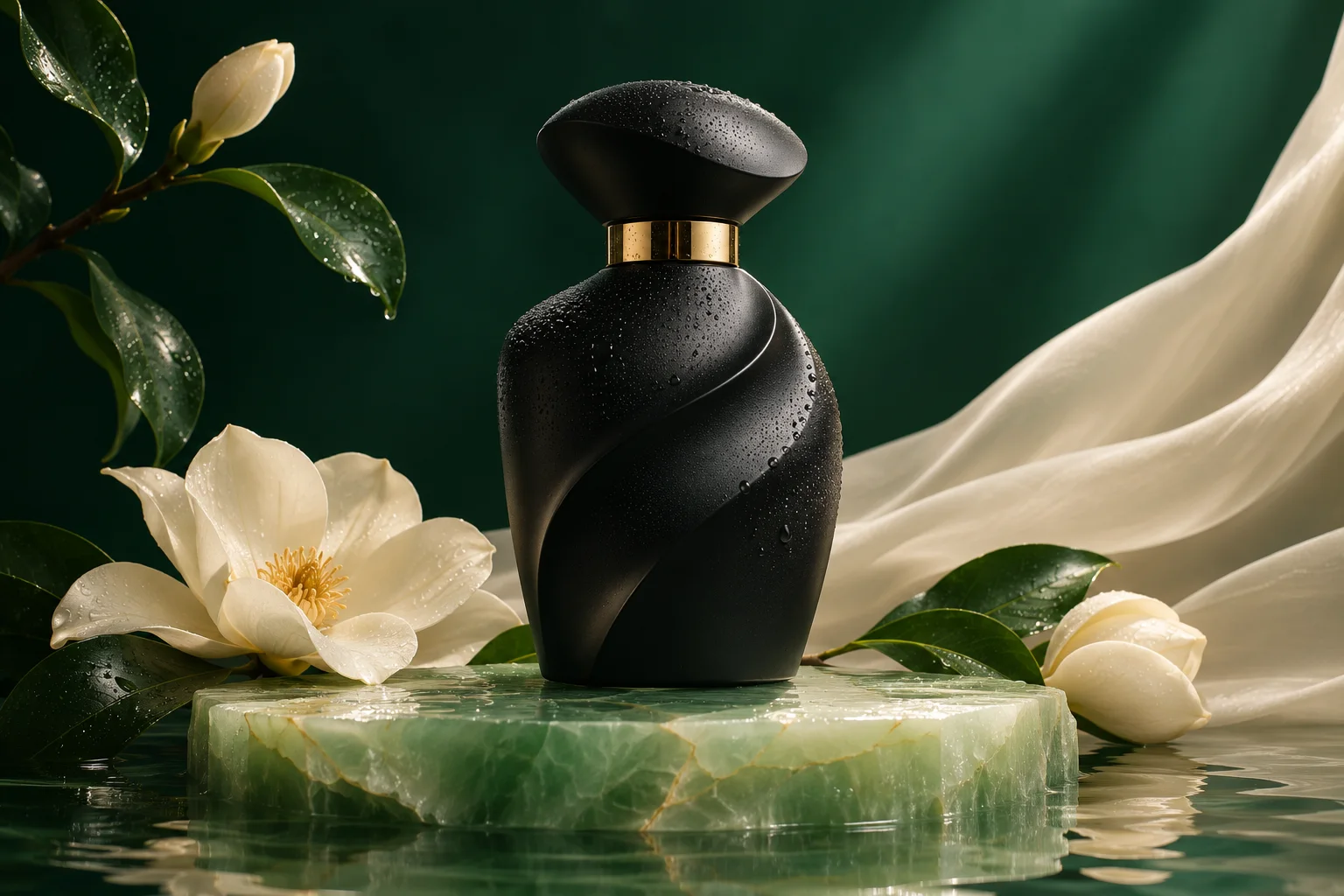
Product campaign direction

Product campaign direction

A polished product scene can help teams explore lighting, materials, color, and composition before they settle on a campaign brief. Use this concept to discuss the visual target; do not treat it as evidence of a specific model result.

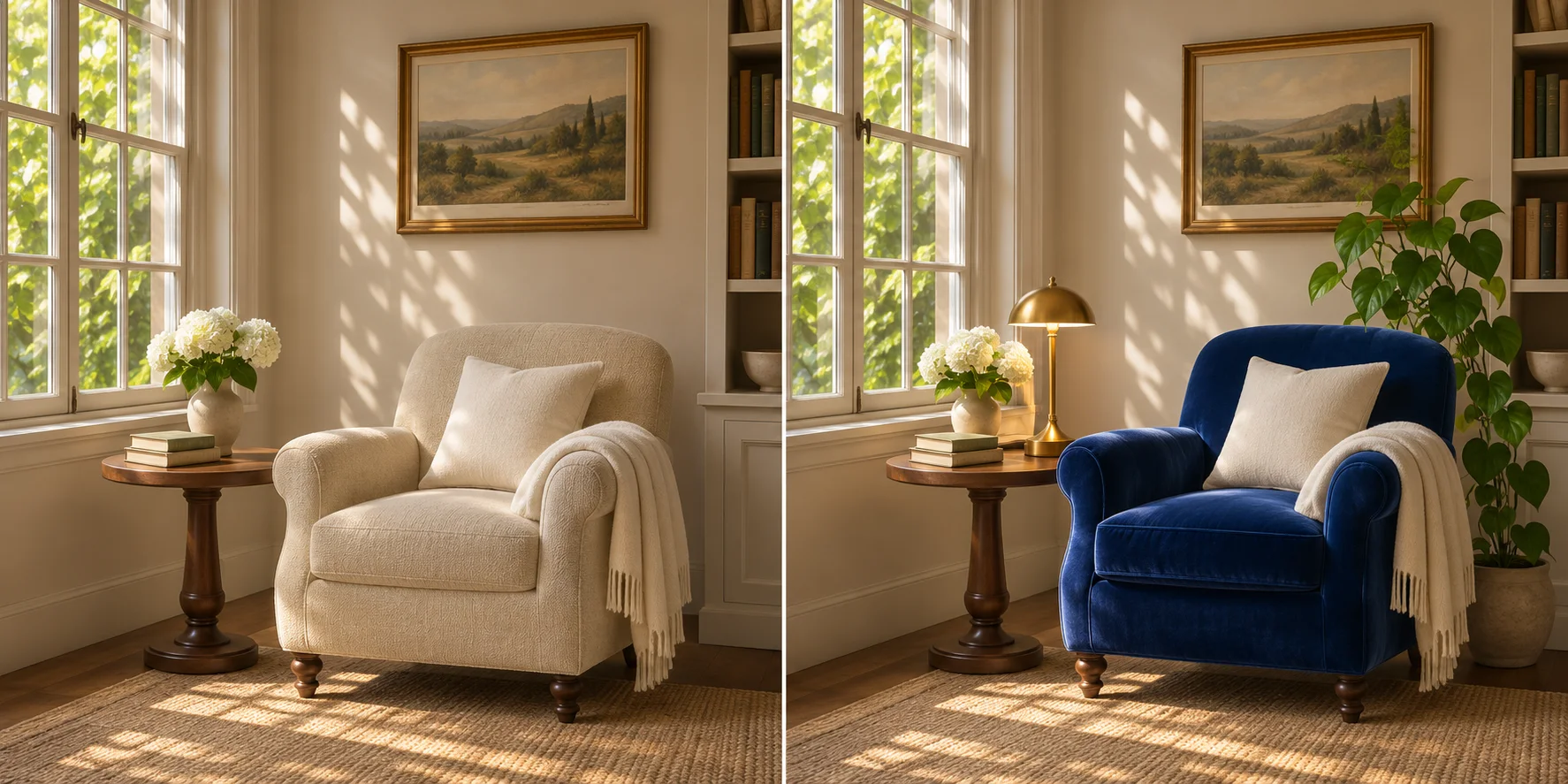
A focused image-editing brief

A focused image-editing brief

The split-room concept illustrates how a brief might describe one intended change while preserving the rest of a scene. A true edit comparison would need the same source image, an actual model edit, and the prompt and settings recorded alongside it.

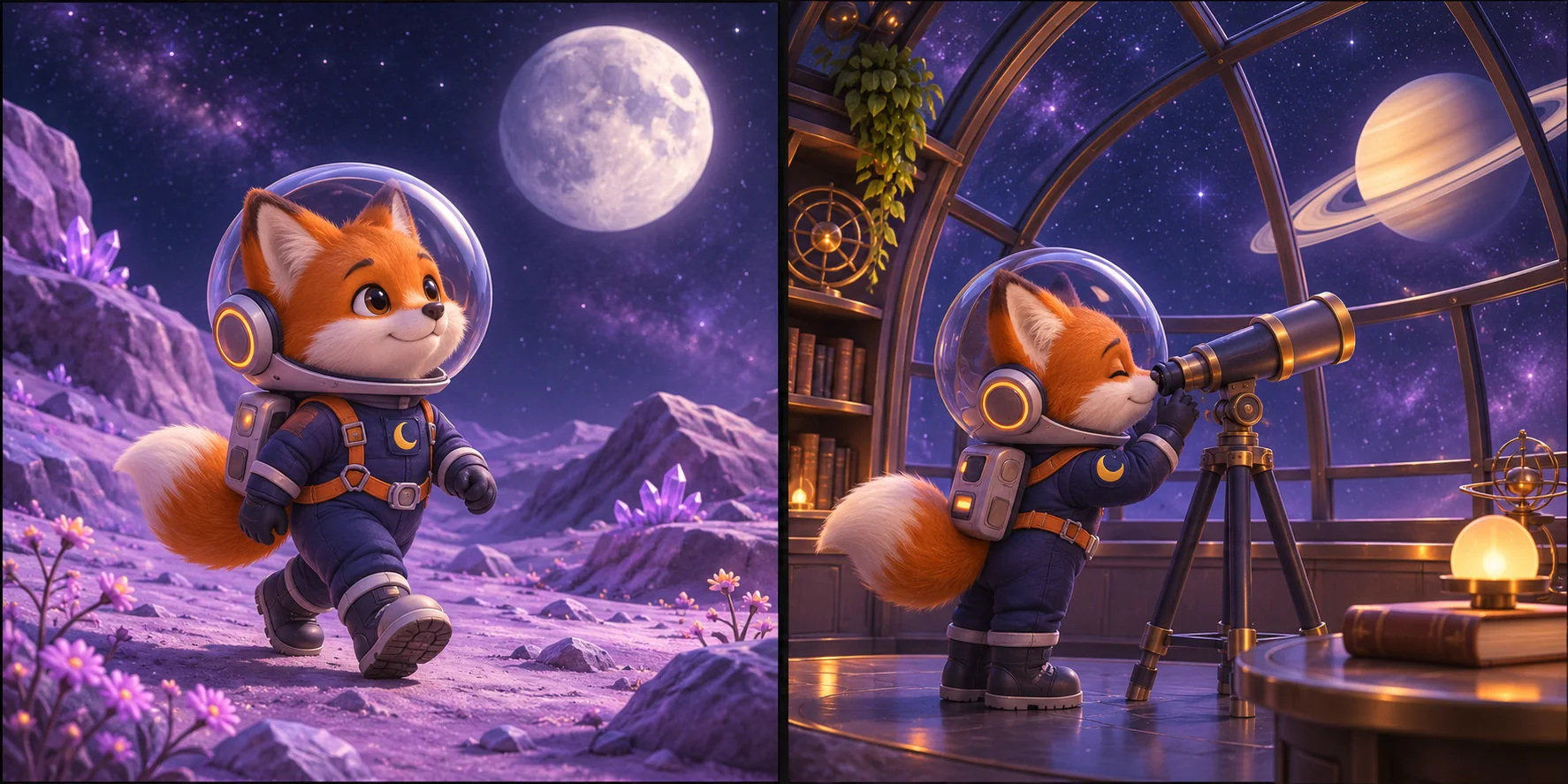
Character-led visual storytelling

Character-led visual storytelling

The paired fox scenes suggest a character-design use case across multiple compositions. They are a single concept illustration and do not prove that any model will preserve a character identically across separate generations.

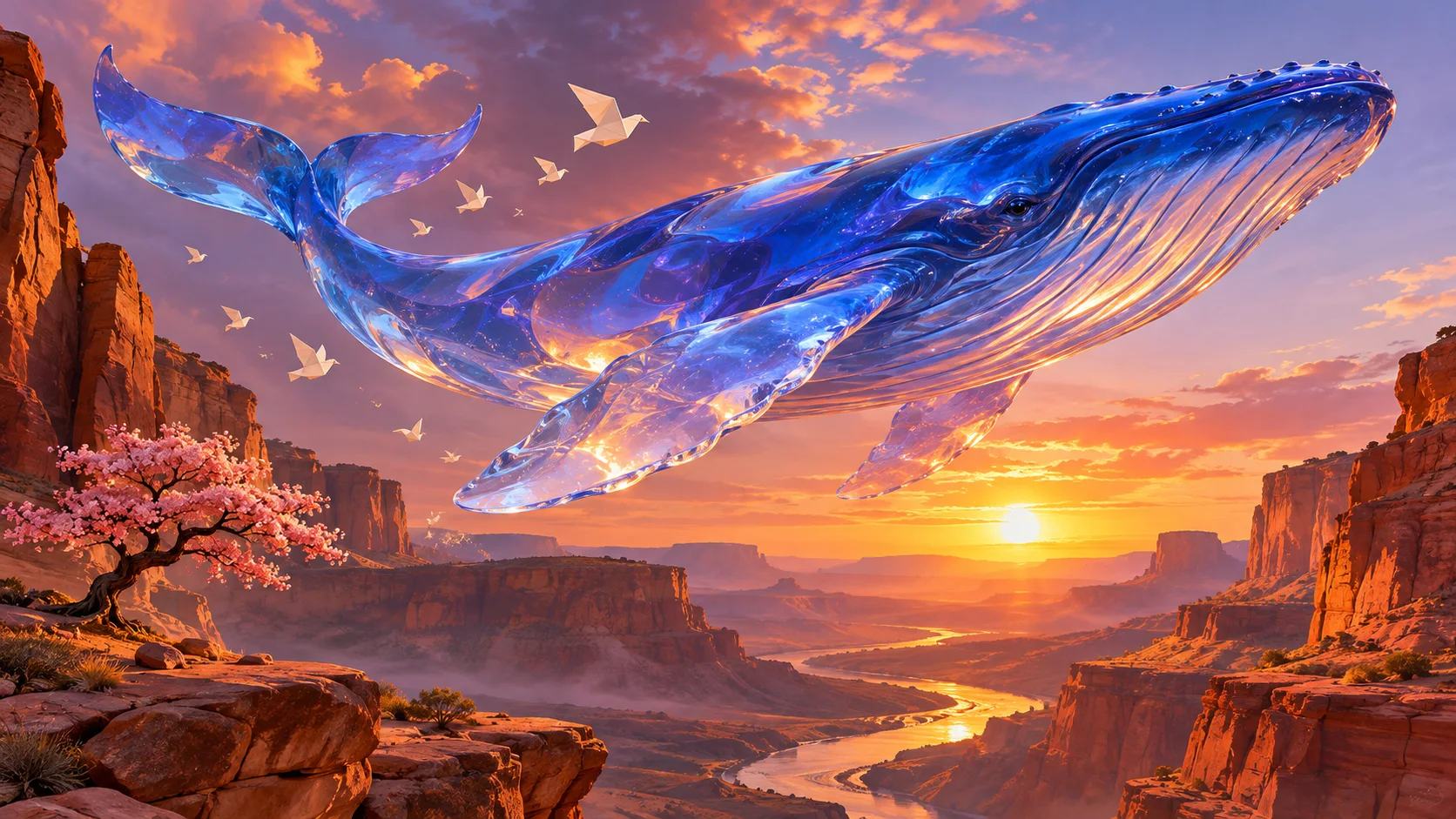
Surreal visual exploration

Surreal visual exploration

The glass whale offers a distinctive art direction for exploring imaginative subjects, atmosphere, and material detail. It is page artwork created for this guide, not an OpenAI sample or a result produced by this website.

GPT Image 2.6 FAQ

Answers about model differences, editing, formats, and availability.

What is new in GPT Image 2.6 compared with GPT Image 2.5?

OpenAI describes faster generation and new product workflows. ChatGPT adds GIF creation and reusable saved references, while the API offers Flare and Sunburst plus documented complexity and markup-guided editing controls. The available features depend on the product surface.

Can GPT Image 2.6 edit an existing image?

Image editing is part of the announced model workflows. The API guide documents image inputs and markup-guided edits. The exact editing controls depend on the interface; this website has not yet verified or enabled a GPT Image 2.6 editing workflow.

Can GPT Image 2.6 create animated GIFs?

OpenAI announces GIF creation in ChatGPT and documents GIF output through the API. Check the product you plan to use for its current availability and limits. This website does not currently offer a verified GPT Image 2.6 GIF workflow.

What is the difference between Flare and Sunburst?

They are API model options. OpenAI positions Flare for faster iteration and Sunburst for detailed visual work, with consistency improvements across edits described for Sunburst at medium or high quality. Verify current settings in the API documentation before implementation.

Can I use GPT Image 2.6 on this website?

Yes. The generator below is configured with the GPT Image 2.6 model listed in this site’s model catalog.

Are the images on this page GPT Image 2.6 examples?

No. They are original concept illustrations created for this landing page. They are not model-generated test results, official OpenAI examples, or proof of editing consistency. Verified examples can be added after the model is integrated and tested.

Has GPT Image 2.6 been tested on this site?

The generator on this page is configured with GPT Image 2.6, but we have not published a verified generation test or benchmark for it. The images on this page are concept illustrations, not model outputs.

Can I upload a reference image here?

Yes. This page is set up for image-to-image use and allows one image upload. Describe the changes you want in the prompt; the available controls and result depend on the model service.

Can I switch between Flare and Sunburst in this generator?

No. This generator is currently configured for Flare, and the model selector is hidden on this page. Sunburst is not available as a selectable option here.

Is the “up to 50% faster” claim guaranteed?

No. This is OpenAI’s published comparison, not a guarantee or an independent benchmark. Actual generation time can vary with the prompt, settings, workload, and service conditions.

Related image tools

Use the GPT Image 2.6 generator above, or explore these other image tools.

GPT Image 2

GPT Image 2

Fast, High-Quality Image Generation and Editing

Nano Banana 2

Nano Banana 2

Pro Capabilities & Lightning-Fast Speed

Data-Driven Realism with Seedream 5.0

Data-Driven Realism with Seedream 5.0

The First AI with Real-Time Web Retrieval

Start creating with GPT Image 2.6

Separate official product announcements from the capabilities verified in the tool you plan to use.

Try GPT Image 2.6 on this site

GPT Image 2.6

0 / 2000
Output Image Number

Sample

No images yet
Concept illustration
Ai Image To Video

Convert still images into videos for free through AI!

Product

  • Text To Video
  • Text To Image
  • Image To Image
  • Image To Video
  • AI Baby Dancing
  • 80s Photo Generator
  • AI Generator

Models

  • Nano Banana Pro
  • Nano Banana 2
  • FLUX.1 [schnell]
  • GLM Image
  • GPT Image 2
  • GPT Image 2.5
  • Grok Imagine
  • Muse Video
  • Midjourney
  • Z Image Turbo
  • Flux 2 Pro
  • Flux 2 Flex
  • Flux 2 Klein
  • Grok Imagine 1.5
  • Kling 3.0
  • LTX-2.3
  • Seedance 2.0
  • Seedream 5.0
  • Veo 3.1
  • FireRed Image Edit

AI Tools

  • All Image Tools
  • Background Remover
  • Image Upscaler
  • Image Translate
  • Restore Old Photos
  • Image Colorizer
  • Manga Translator
  • Image Describer

Support

  • Tickets
  • About
  • Email support
  • Pricing

Legal

  • Cookie Policy
  • Privacy Policy
  • Refund Policy
  • Terms of Service
EspañolFrançaisPortuguêsItaliano日本語ไทย한국어DeutschالعربيةBahasa Indonesia繁體中文简体中文
© 2026 Ai Image To Video. All Rights Reserved.